TrackOver for demolition contractors
Demolition software that documents it before you drop it
The neighbor claims the crack in their wall is new.
Demolition contractor software: photos, permits, haul tickets and crew hours on one job, then the invoice.
Free plan, or from $25 a user a month. 7-day trial, no card. See prices
- No card to start
- Cancel any time, no contract
- Export your data whenever you want
Made for the field, with real jobs, crews and equipment in mind. Book a free 30-minute call and we set it up with you.
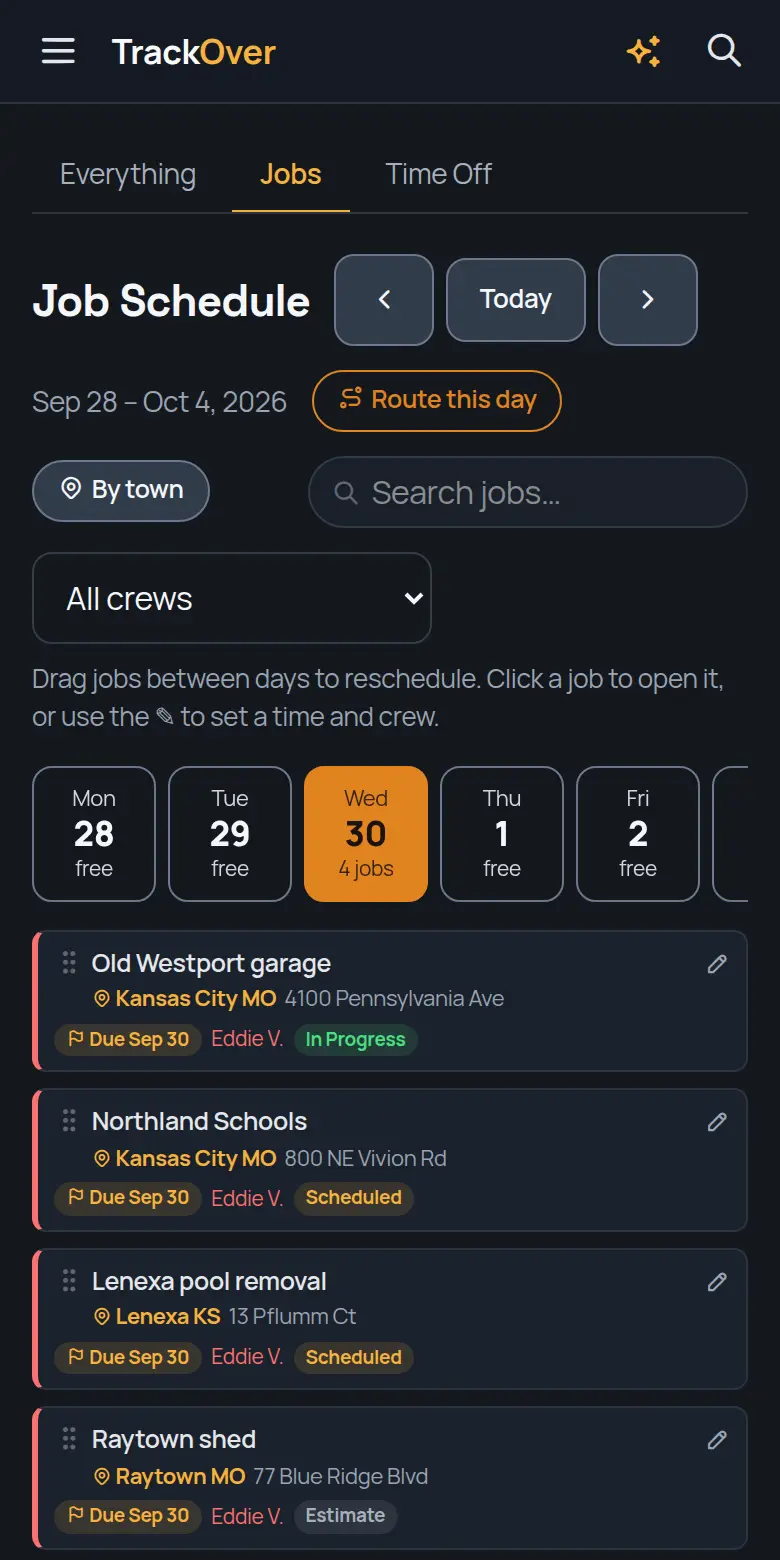
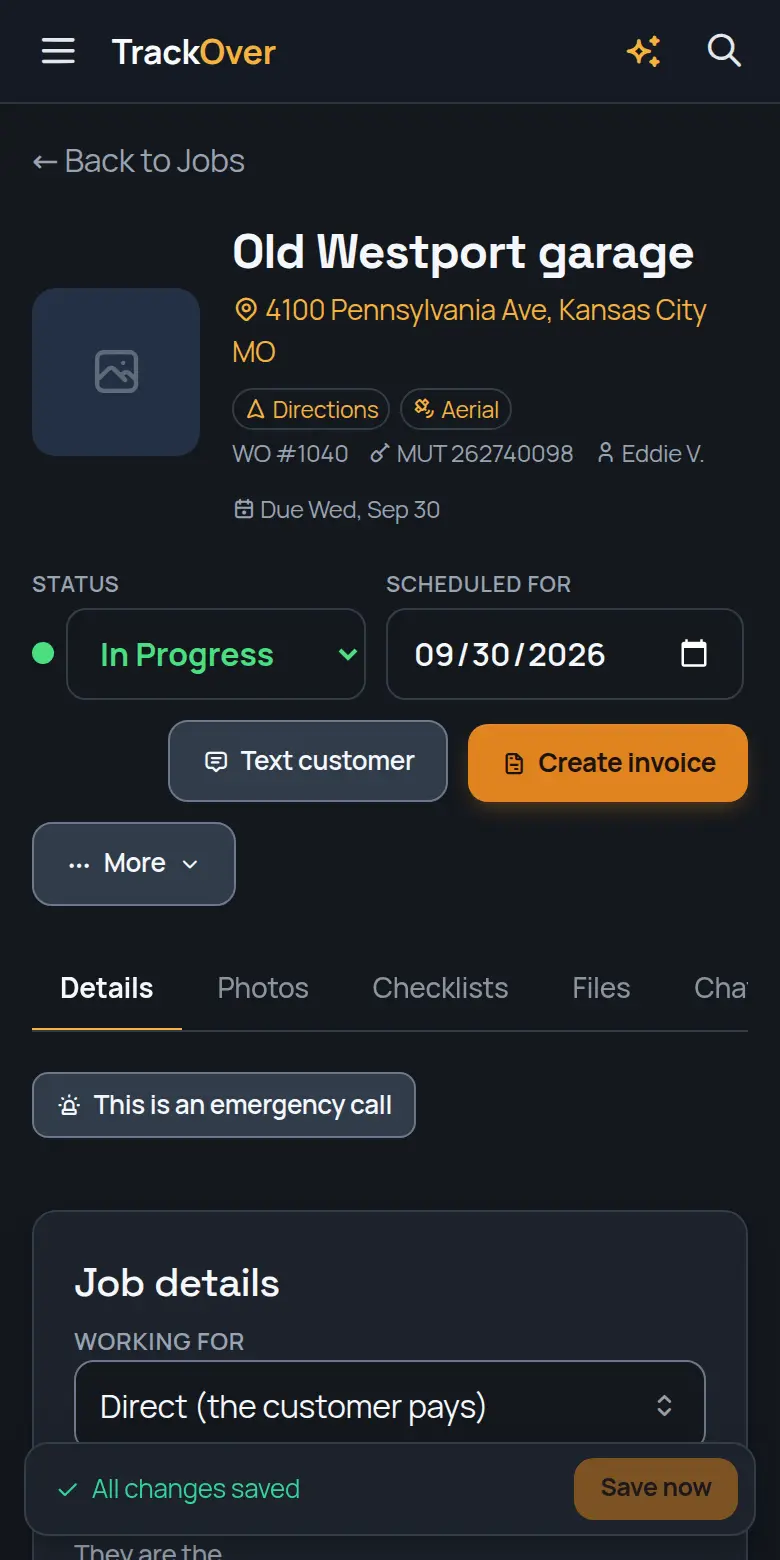
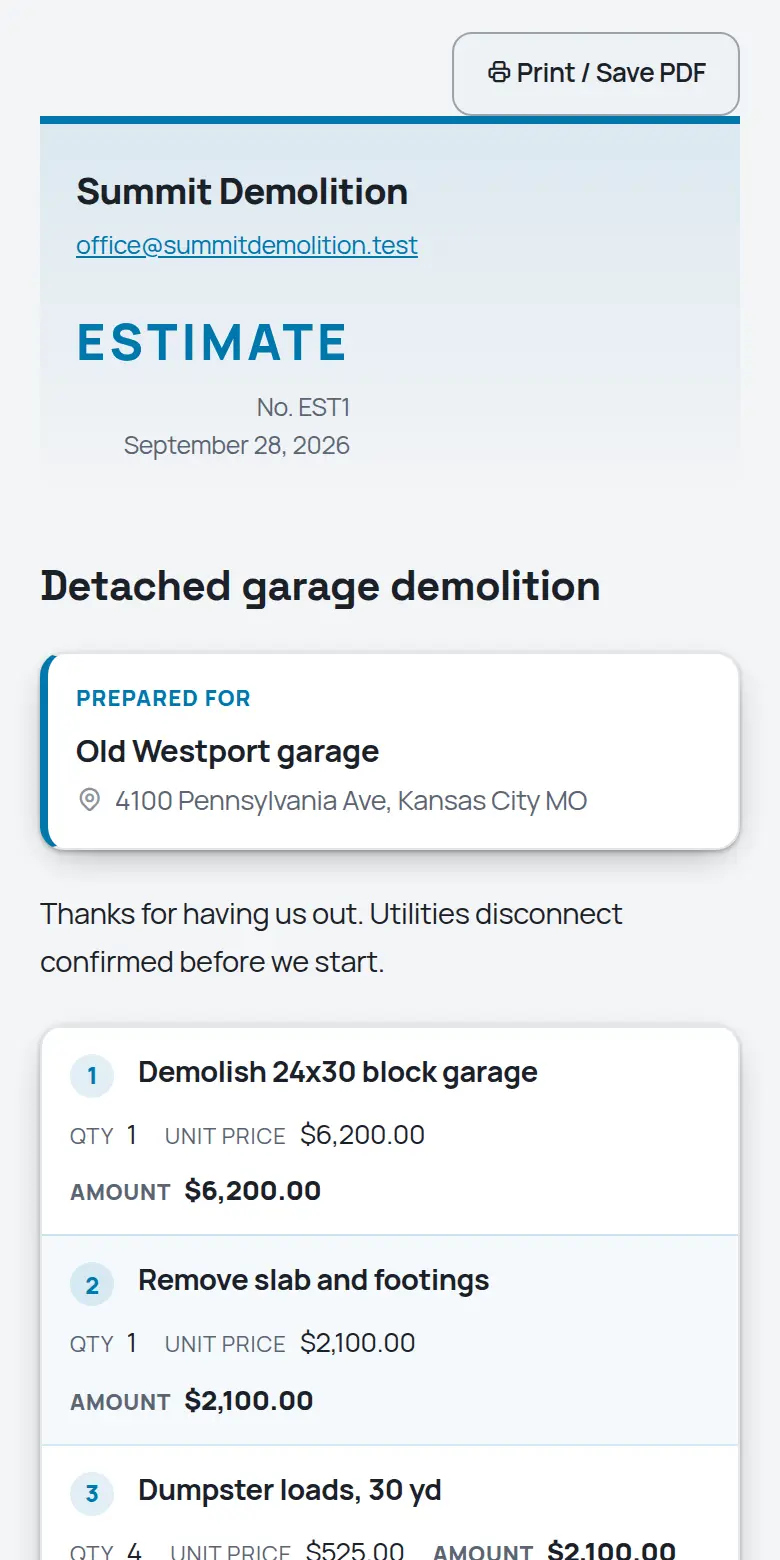
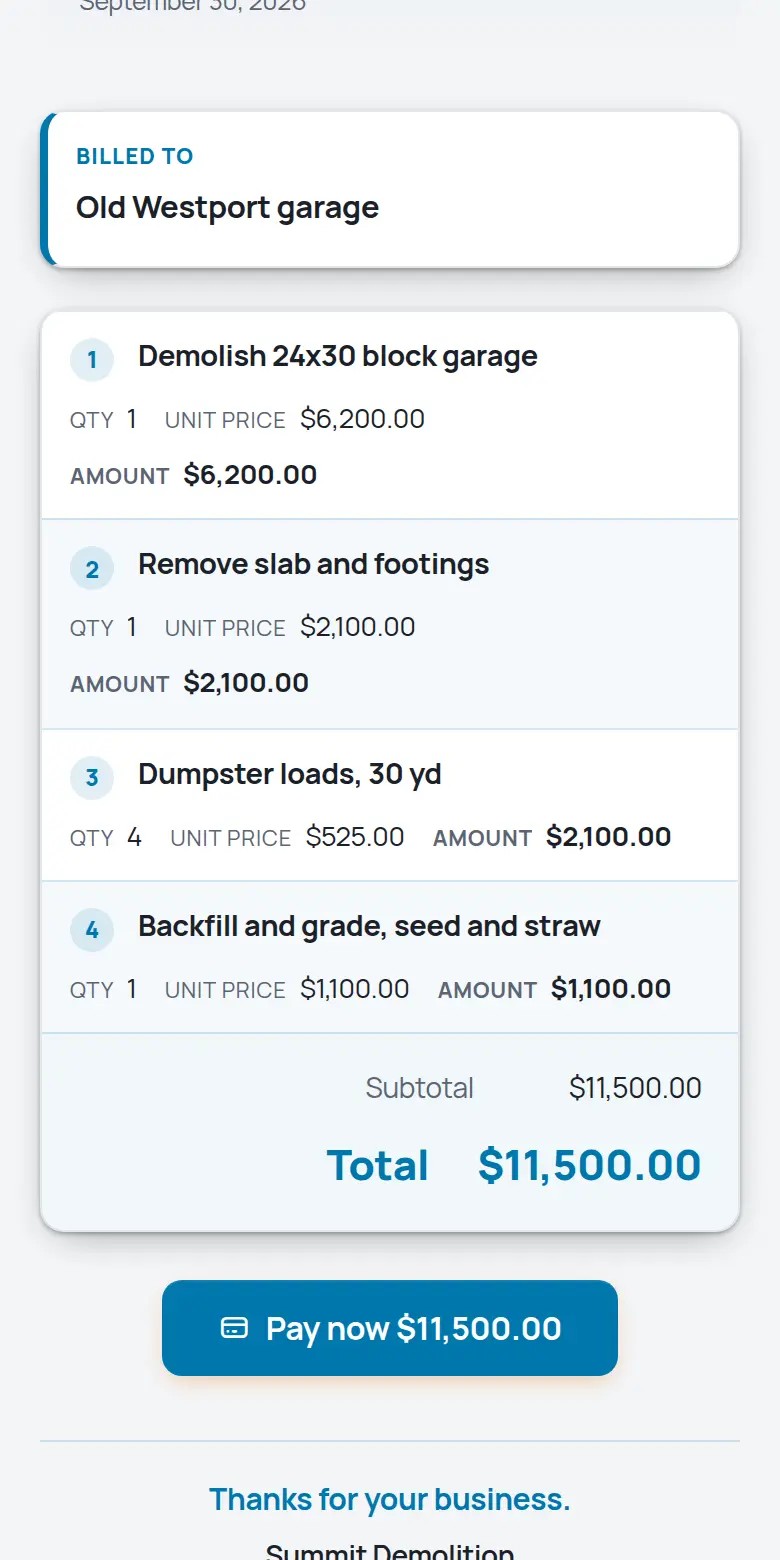
Real screens from the TrackOver app, with a sample company's jobs.
Demo work is one long liability question: what was there, what came down, and where it went. TrackOver keeps the proof on the job record from walkthrough to final grade. Free plan at $0 with no card, then $25, $45 or $69 per user per month with a 3-seat minimum and a 7-day trial.
What changes for demolition crews
Customers pay from a text
Build the invoice from the job's hours and materials, text a link, and they pay from their phone. Overdue invoices get a reminder text for you, to customers who have agreed to texts.
Send the quote from the job site
Price it from your own price book on your phone. The customer signs online, and it turns into the job and invoice with no retyping.
Know your profit on every job
Quote against labor and materials used so far, live, with a warning when a job is on pace to run over.
- No card to start
- Cancel any time, no contract
- Export your data whenever you want
Sound like last week?
- “The neighbor claims the crack in their wall is new”
- “The disposal tickets are in four coat pockets”
- “The permit inspector wants photos from before the machines arrived”
What it does for your crew
The same platform in the office and on every phone in the field.
- Pre-demo photo recordWalk the structure and the neighbors' property line with your phone. Stamped photos prove what existed before the first swing.
- Permits and utility cuts on recordPermit numbers, inspection dates, and a document checklist stay on the job, not in a truck binder.
- Load-out and disposal trackingPhotograph every ticket at the scale house and it lands on the job. Disposal questions get answered in seconds, years later.
- Machine hours per jobThe excavator, the breaker, the trucks: hours and service tracked across every structure they touch.
- Safety records that hold upIncidents, resolutions, and prevention notes in one place, exportable when the GC or insurer asks.
- Bill the day it comes downTurn the finished demo into an itemized invoice from your price book, and send the photo gallery link with it.
Your math
What does a slow week cost you?
Late invoices and paperwork nights have a price. Put in your own numbers.
Type your own numbers. They stay in your browser, nothing is sent anywhere.
From the first call to the last dollar
- 1
The call comes in
Add it as a job in a minute: address, contact, what they need.
- 2
The board gets it scheduled
Drag it onto a day and a crew. Their phones pick it up within a minute when the app is open and they have signal.
- 3
The field documents itself
Stamped photos, hours, and notes land on the job as the work happens.
- 4
The invoice goes out in one tap
One tap turns the finished job into an invoice with a pay link.
Fair questions
Can I share the pre-demo survey with the owner or their insurer?
Yes. Share a read-only photo gallery by link so everyone sees the same record.
We sub the hauling. Does that break the tracking?
No. Log loads and tickets against the job whether the truck is yours or a sub's. The record stays complete.
Can I use it to manage demolition subcontractors and their labor?
Yes. A subcontractor gets a limited login that shows only the work handed to them, under My Work, and they can check off their steps there. You can log their loads and tickets against the job, and keep your own crew hours on the same record.
Is there demolition software that handles billing?
Yes. Turn the finished demo into an itemized invoice from your price book, send it with a pay link and attach the photo gallery link. Job costing sets labor, machine time and materials against what you billed.
How fast can we start on a new demo job?
Create the job from your phone: address, structure notes, permit numbers, and the walkthrough photos.
What does it cost?
Per person per month with a free tier to start. No contracts, so seasonal crews can scale up and down.
What happens when the 7-day trial ends?
Nothing is charged, because no card was asked for. If you don't pick a paid plan, the account moves to the free plan and your jobs and photos stay where they are. Paid features go back to showing an upgrade prompt, and the owner or a manager can pick a plan on the Billing page whenever they are ready.
Can someone set it up with me?
Yes. Book a free 30-minute setup call and we set up your company and price list with you, and your first real estimate goes out before we hang up. You can also start on your own, since the app has a getting-set-up checklist, so the call is optional.
Tonight could be different
Try it on one real job: add it, snap some photos, send the invoice, and see if your crew likes it. 7 days free, and your data stays yours either way.
Start your 7-day free trial- No card to start
- Cancel any time, no contract
- Export your data whenever you want
Want a hand? A real person sets it up with you on a free 30-minute call.
On day 8 nothing is charged, because no card was asked for. Without a paid plan the account moves to Free (3 jobs, 30 photos, 3 users) and what you entered stays.
Free templates for demolition work:
Looking for demolition work or a crew? Free on the work board:
Trade shows for demolition work, from the contractor calendar:
Dig into the tools:
Setup how-tos, step by step:
Comparing software? Fair comparisons, with each tool's own pricing page linked:
Not sure demolition is your fit? Take the 5-question quiz or see plans and pricing.
Related trades:
Other trades we build for: