Utility contractor software for tickets, crews and billing
Track 811 tickets and permits, schedule crews, keep hours and stamped photos on each job, and bill from the same record.
Start your 7-day free trialNo card needed. Or book a free setup call
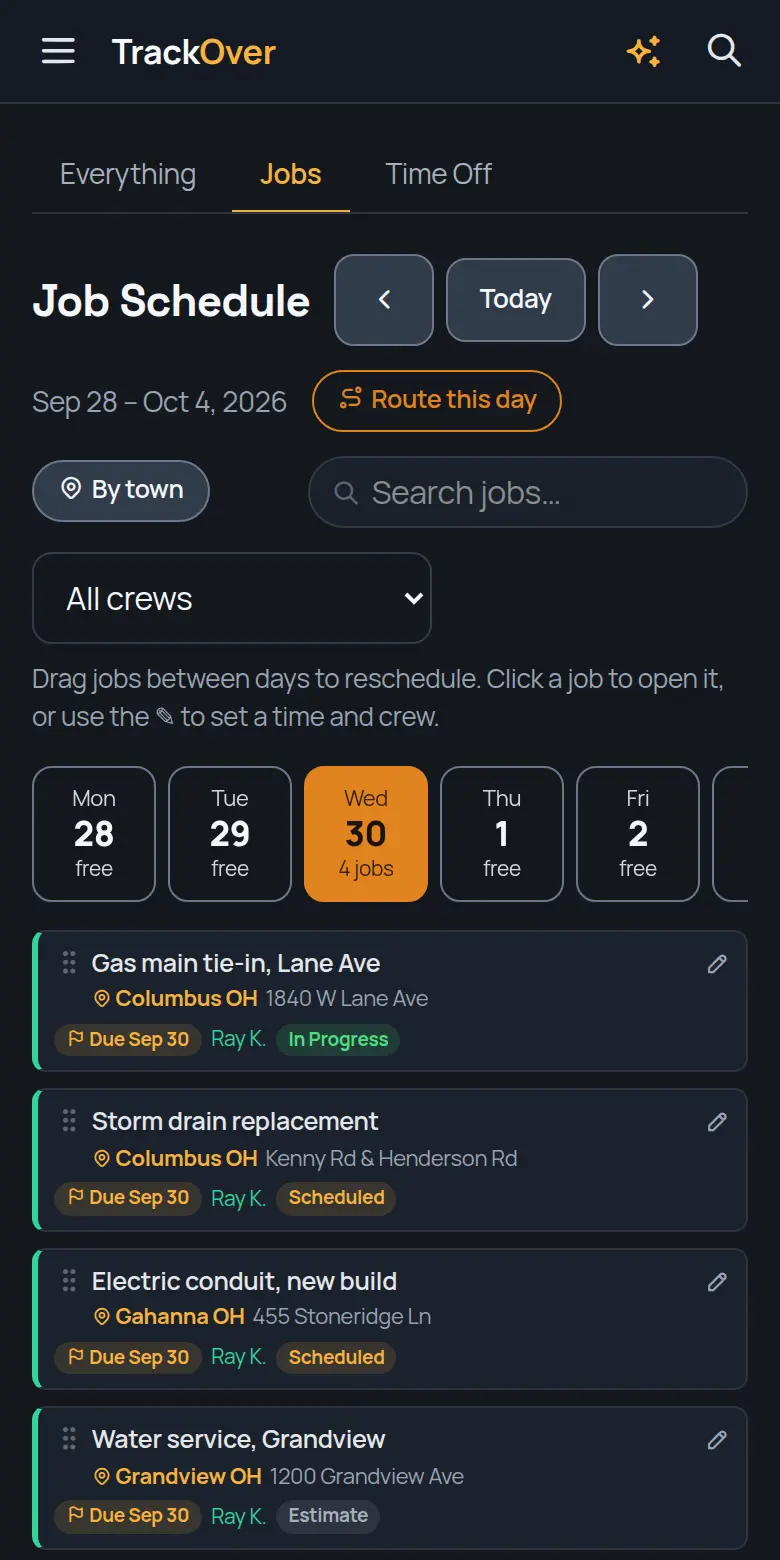
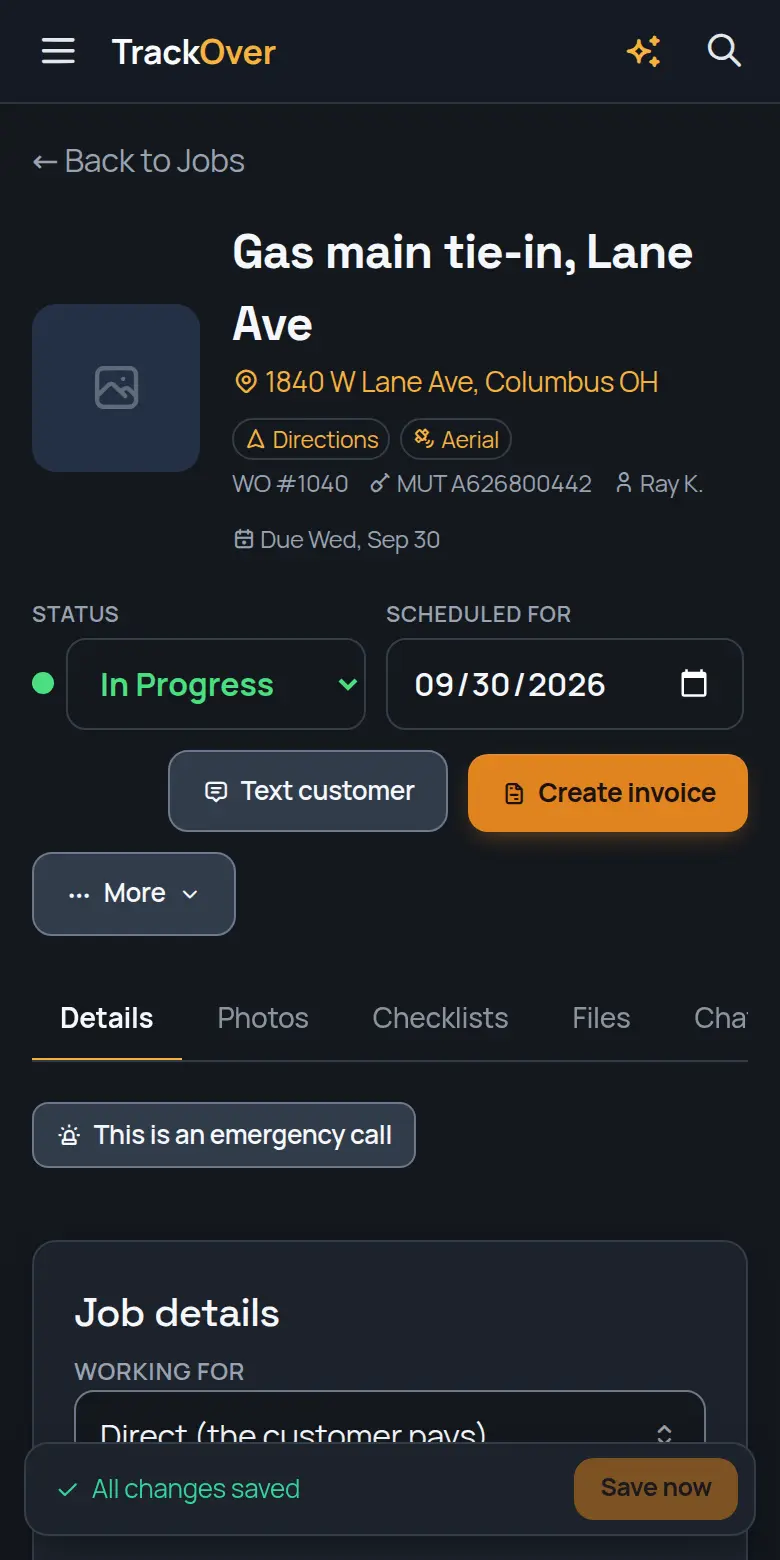
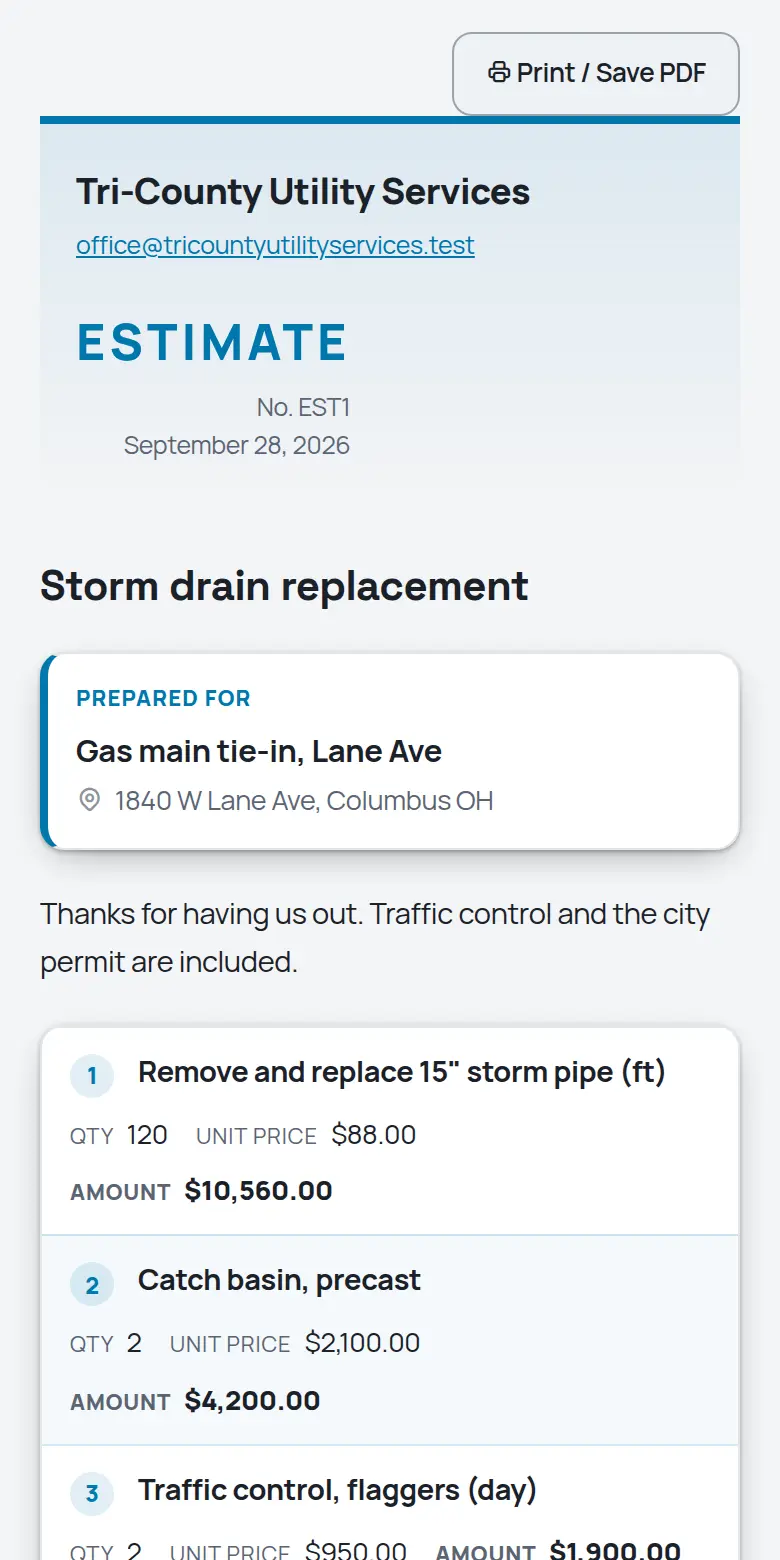
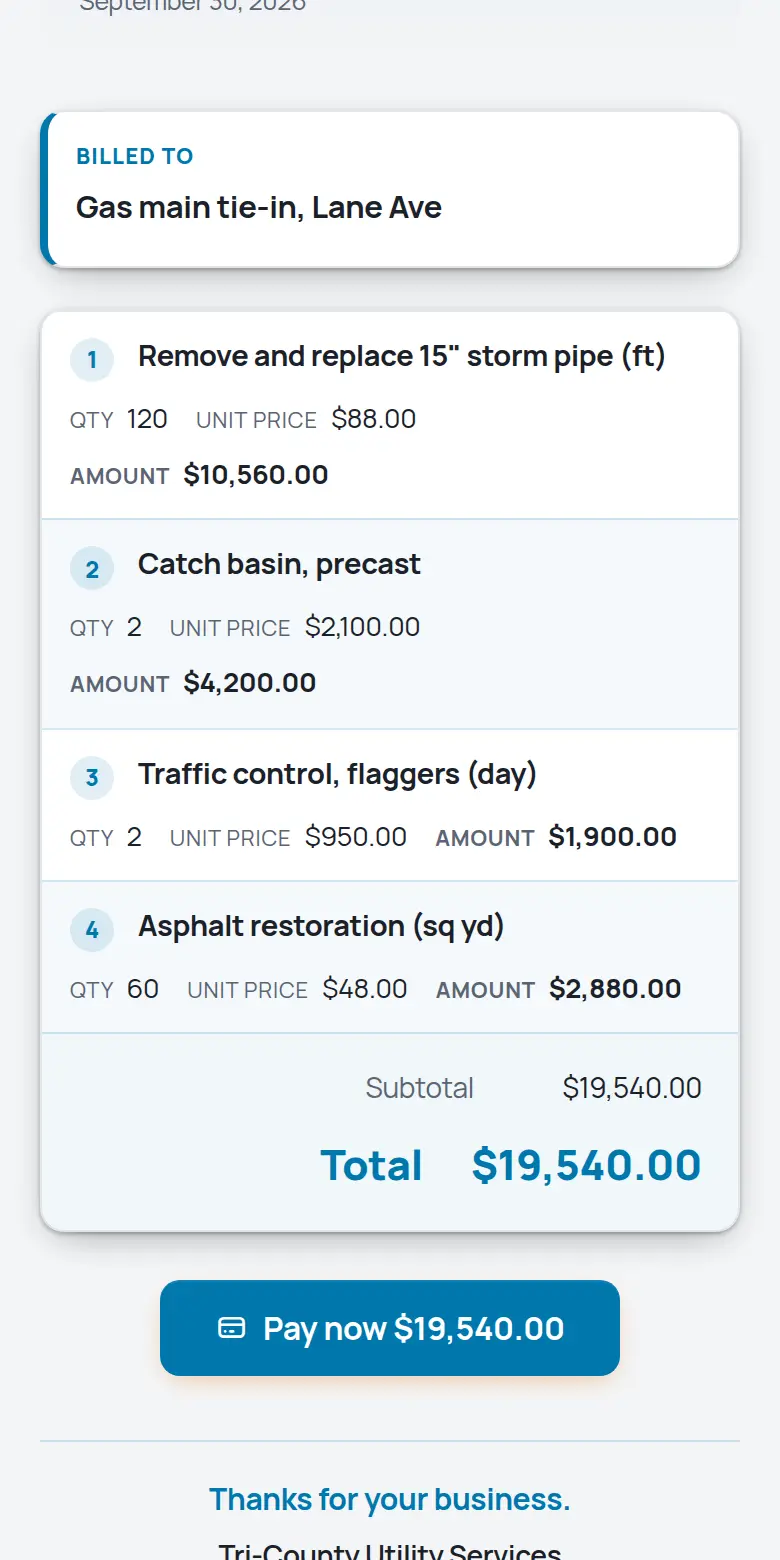
Real screens from the TrackOver app, with a sample company's jobs.
Gas, electric, water, storm, telecom. Whatever is in your trench, TrackOver keeps the tickets, photos, hours, and billing straight. Free plan at $0 with no card, then $25, $45 or $69 per user per month with a 3-seat minimum and a 7-day trial.
If any of those sound like last week, keep reading.
What it does for your crew
The same platform in the office and on every phone in the field.
Ticket numbers, mark-out dates, and expirations tracked per job, with warnings before they lapse.
Depth, bedding, and backfill documented with stamped photos that stay attached to the job forever.
Log the change on the job the day it happens. It flows onto the invoice instead of into an argument.
Gas pressure tests with the psi drop worked out, fusion joints with the operator's qualification number, and electric cable tests, logged from the truck and exported for the utility's inspector.
Incidents, resolutions, and prevention notes in one place, exportable when the GC or the insurer asks.
Labor, materials, and machine time against what you billed. Know your real margin per job, not per year.
From the first call to the last dollar
It becomes a job in seconds: address, contact, what they need.
Drag it onto a day and a crew. Their phones update instantly.
Stamped photos, hours, and notes land on the job as the work happens.
One tap turns the finished job into an invoice with a pay link.
Fair questions
Yes. TrackOver runs your side: your crews, costs, photos, and billing. Share what the GC needs by link and keep the rest.
Drag it on the crew board. The reassigned crew gets a push notification with the job on their phone.
Field notes, photos, and safety reports land on the job in real time, and status changes can auto-notify managers.
Yes. UtilityOps logs gas pressure tests, fusion joints and electric cable tests with who did the work and their qualification number, flags any gas work with no qualification on file, and puts a test summary on the report you share with the utility.
No. Monthly per-seat pricing, change or cancel anytime, and your data exports whenever you want it.
Nothing is charged, because no card was asked for. If you don't pick a paid plan, the account moves to the free plan and your jobs and photos stay where they are.
Yes. Book a free 30-minute setup call and we set up your company and price list with you, and your first real estimate goes out before we hang up.
Try it on one job
Add a job, snap some photos, and see if your crew likes it. 7 days free, no card, and your data stays yours either way.
Start your 7-day free trialRather not do it alone? We'll set it up with you on a free 30-minute call.
Free calculators for utilities work:
Looking for utilities work or a crew? Free on the work board:
Dig into the tools: