Trucking and hauling software that counts every load
Log loads, tickets and driver hours against the job, so the invoice matches what the trucks actually did.
Start your 7-day free trialNo card needed. Or book a free setup call
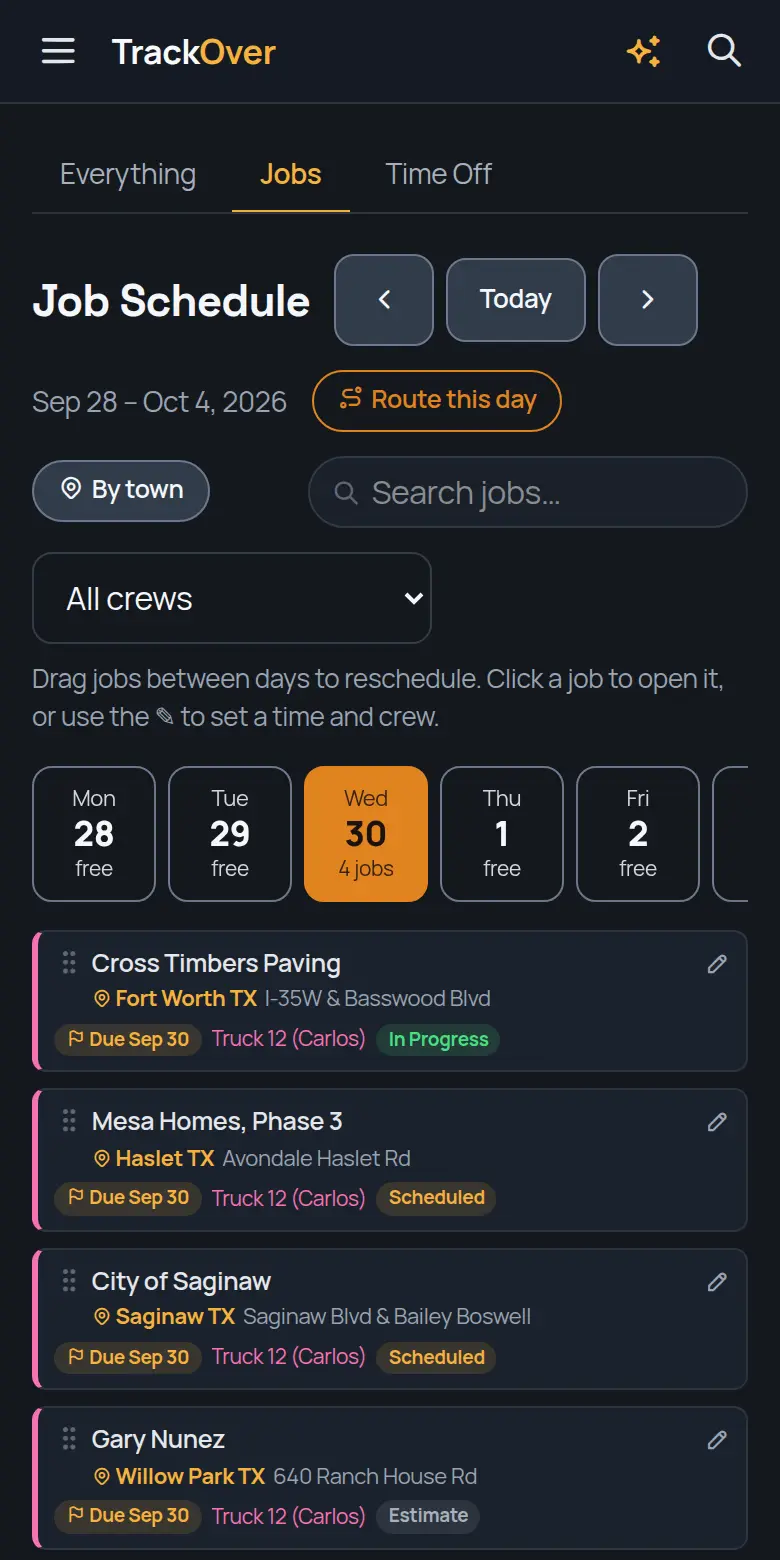
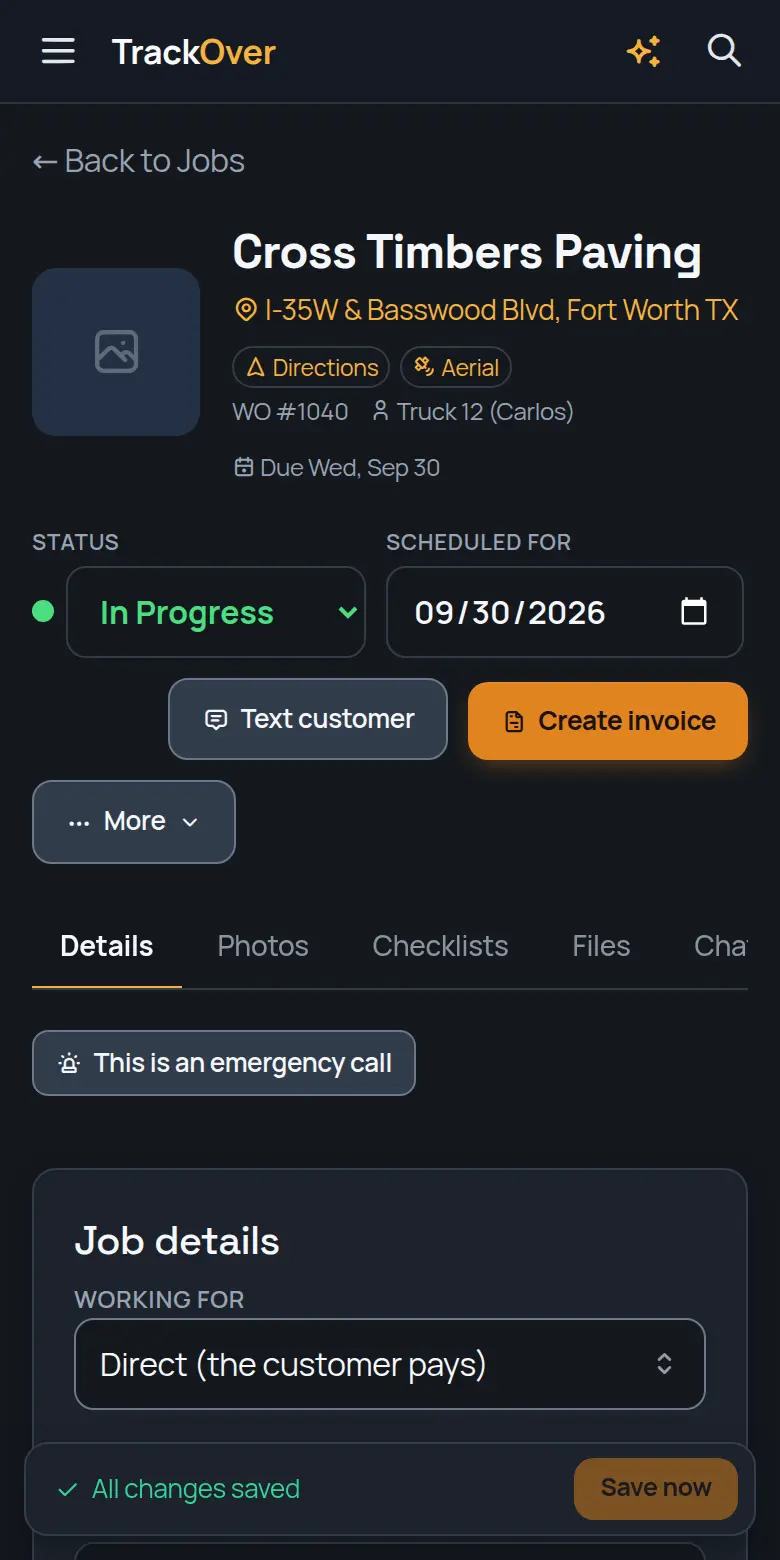
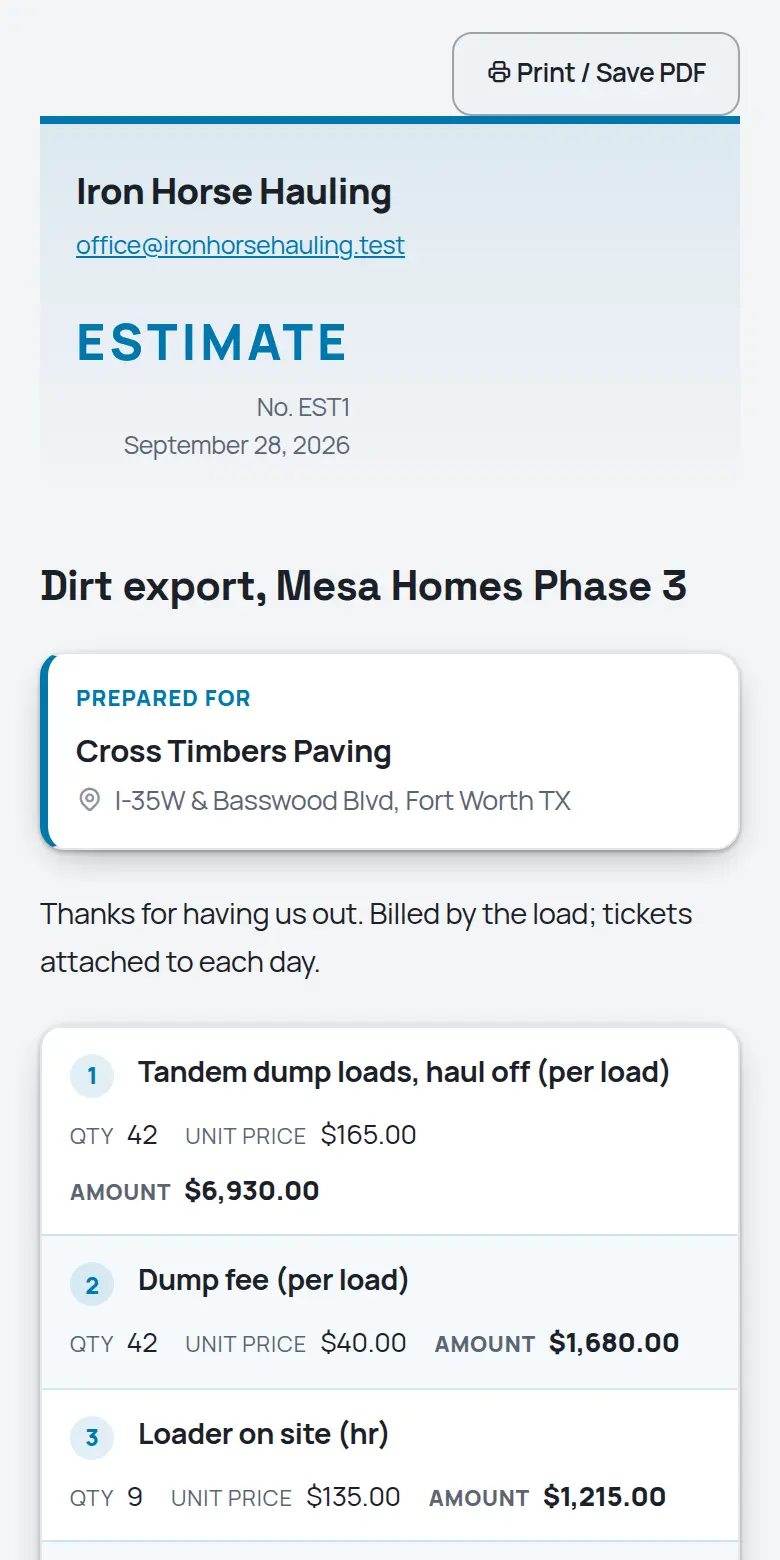
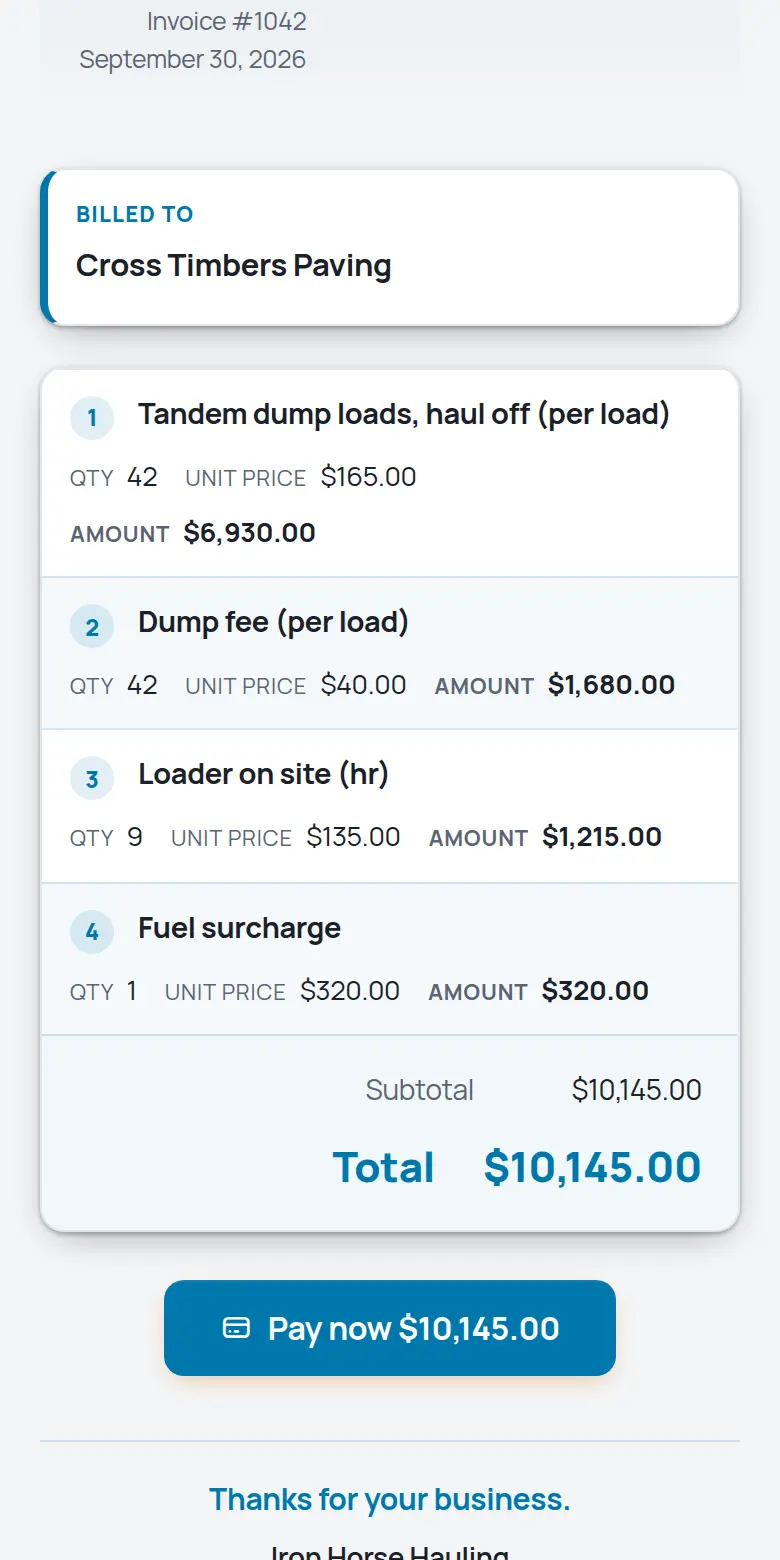
Real screens from the TrackOver app, with a sample company's jobs.
Hauling margins live and die on loads and hours. TrackOver keeps tickets, rounds, and driver time on the job they belong to, so billing matches what the trucks actually did. Free plan at $0 with no card, then $25, $45 or $69 per user per month with a 3-seat minimum and a 7-day trial.
If any of those sound like last week, keep reading.
What it does for your crew
The same platform in the office and on every phone in the field.
Drivers photograph every scale ticket from the cab. Date-stamped, job-tagged, and impossible to lose in a coat pocket.
Clock in on the phone, hours land on the job. Payroll and per-job costs come from the same numbers.
Miles and service intervals per truck, with reminders before the DOT inspection finds it first.
Pits, sites, and dumps pinned with status colors. Drivers see where they are going without a phone call.
Line items price by load, hour, or ton, straight from your price book. The ticket photos back up every line.
Drag work between drivers and days. Every phone updates the moment the board changes.
From the first call to the last dollar
It becomes a job in seconds: address, contact, what they need.
Drag it onto a day and a crew. Their phones update instantly.
Stamped photos, hours, and notes land on the job as the work happens.
One tap turns the finished job into an invoice with a pay link.
Fair questions
The phone app is big buttons: my jobs, camera, clock. Most drivers get it on the first morning.
Every load, ticket, and hour is tagged to its job and customer. Each GC's invoice pulls only their work.
Log the move on the machine's record: who moved it, when, and where it sits now.
No. It runs on the phones your drivers already carry and any office computer.
Nothing is charged, because no card was asked for. If you don't pick a paid plan, the account moves to the free plan and your jobs and photos stay where they are.
Yes. Book a free 30-minute setup call and we set up your company and price list with you, and your first real estimate goes out before we hang up.
Try it on one job
Add a job, snap some photos, and see if your crew likes it. 7 days free, no card, and your data stays yours either way.
Start your 7-day free trialRather not do it alone? We'll set it up with you on a free 30-minute call.
Looking for trucking & hauling work or a crew? Free on the work board:
Dig into the tools: