TrackOver for general contractors
“The change order was a text message and now it is a fight.” General contractor software for jobs, subs and change orders
Quote it, put the crews and subs on the board, document the work, handle the change orders, and bill from the same job.
- No card to start
- Cancel any time, no contract
- Export your data whenever you want
Built inside a working field company. Book a free 30-minute call and we set it up with you.
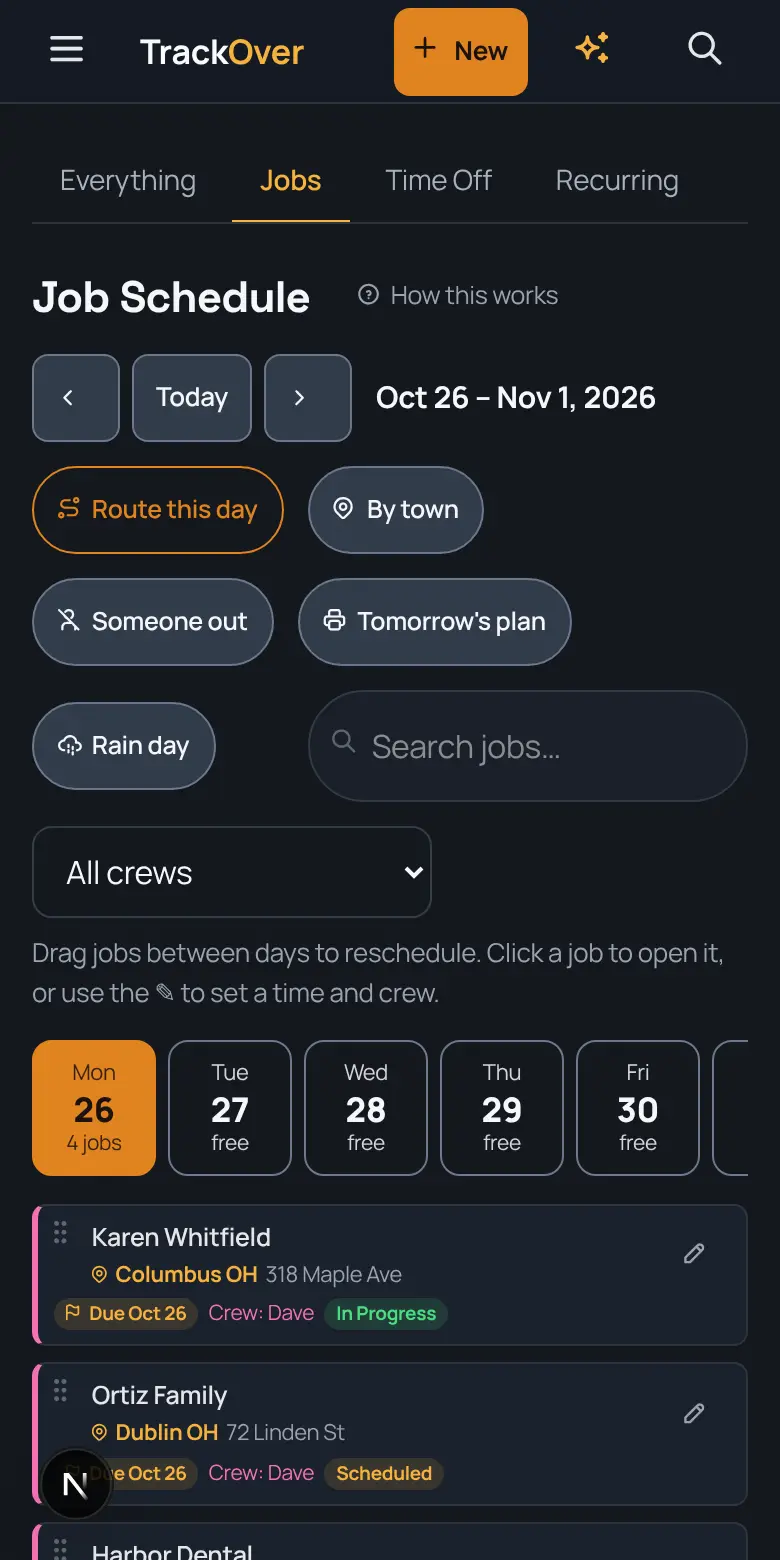
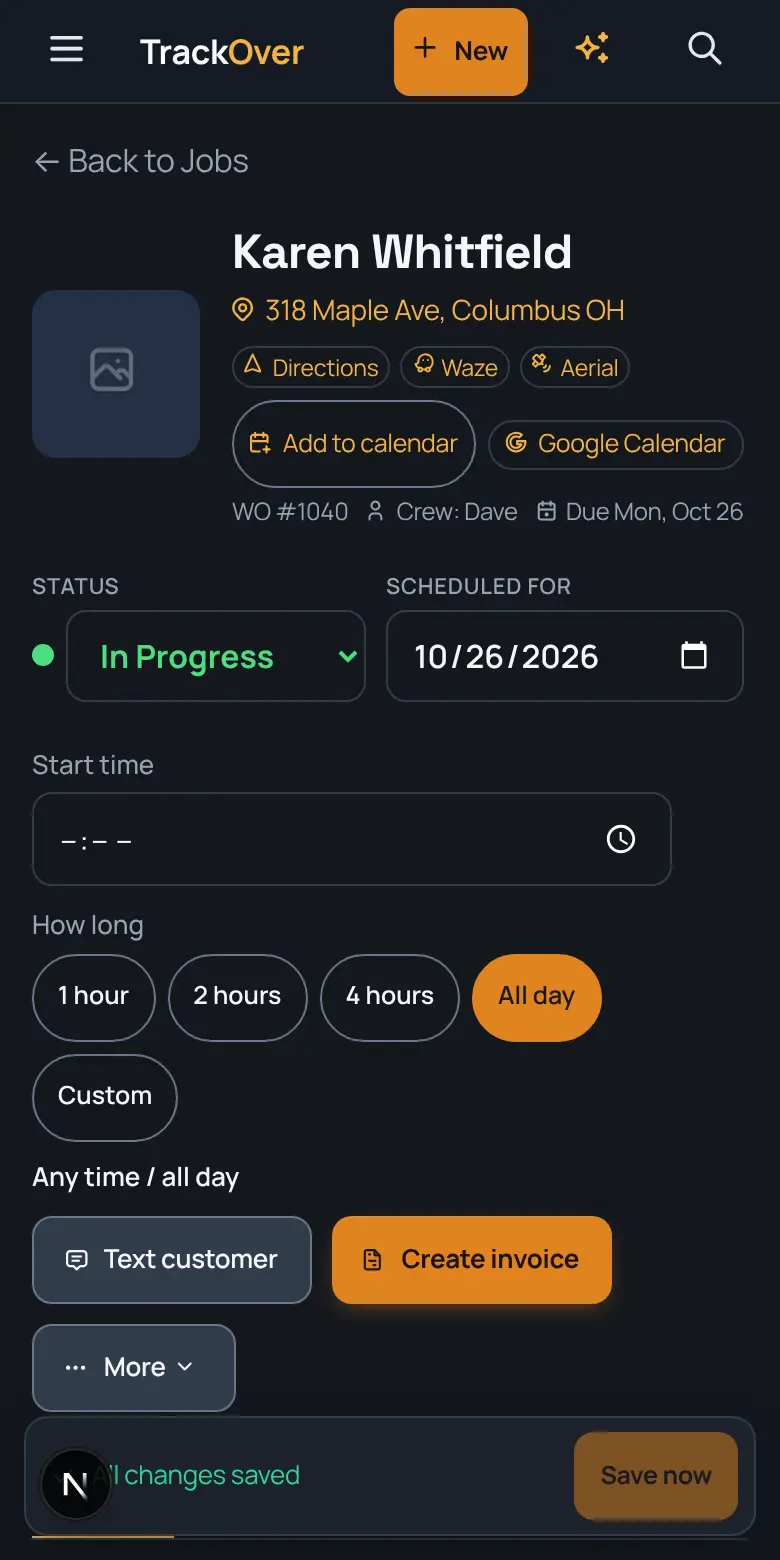
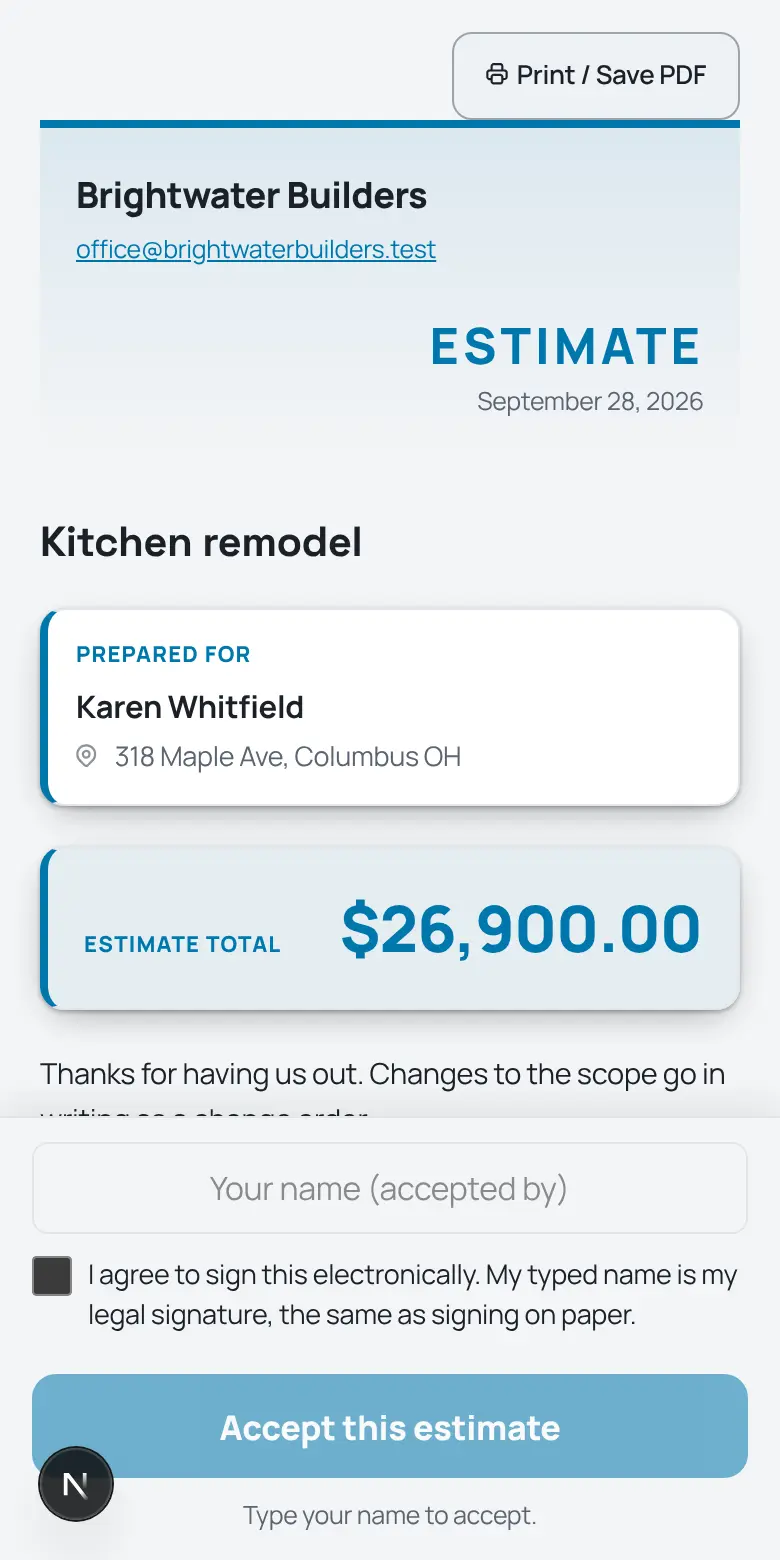
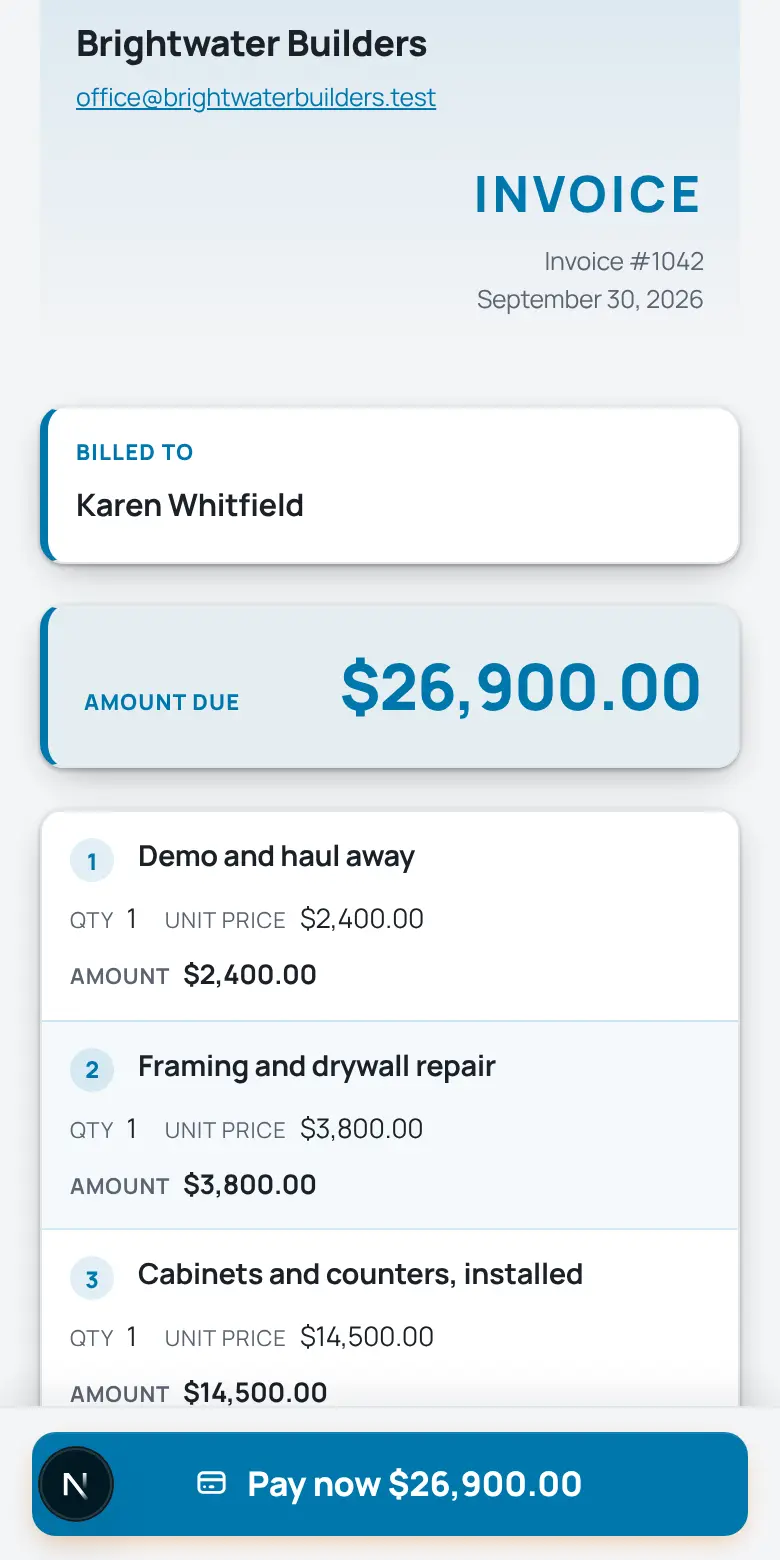
Real screens from the TrackOver app, with a sample company's jobs.
A general contractor runs a dozen moving parts across jobs, subs and customers. TrackOver keeps the job record, the money and the paper trail together, so you stop chasing it across texts and spreadsheets. Free plan at $0 with no card, then $25, $45 or $69 per user per month with a 3-seat minimum and a 7-day trial.
What changes for general contractor crews
Customers pay from a text
Build the invoice from the job's hours and materials, text a link, and they pay from their phone. Late ones get reminded for you.
Send the quote from the job site
Price it from your own price book on your phone. The customer signs online, and it turns into the job and invoice with no retyping.
Know your profit on every job
Quote against labor and materials used so far, live, with a warning when a job is on pace to run over.
- No card to start
- Cancel any time, no contract
- Export your data whenever you want
Sound like last week?
- “The change order was a text message and now it is a fight”
- “Three subs, three schedules, and nobody sure who is on site”
- “You finish the job and still cannot say what it made”
What it does for your crew
The same platform in the office and on every phone in the field.
- Estimate to invoiceBuild the estimate from your own price book, get it signed online, and turn the finished job into an invoice without retyping anything.
- Change orders on the jobWrite the change, send it, and keep the approved one on the job record next to the original scope, so the argument ends with the paperwork.
- Crews on one boardDrag jobs between days and crews. Your own people see their day on their phone before they leave the house.
- Subcontractor accessSubs get a limited view of the jobs they are on, not your whole company. Your own people are the only seats you pay for.
- Stamped job photosEvery photo keeps its date, GPS, and who took it, organized by job. Before, during and after are there when the owner questions the work.
- Time that matches the jobYour crew clocks in against the job they are on, so hours and materials show next to the quote when you close it out.
Your math
What does a slow week cost you?
Late invoices and paperwork nights have a price. Put in your own numbers.
Type your own numbers. They stay in your browser, nothing is sent anywhere.
From the first call to the last dollar
- 1
The call comes in
It becomes a job in seconds: address, contact, what they need.
- 2
The board gets it scheduled
Drag it onto a day and a crew. Their phones update instantly.
- 3
The field documents itself
Stamped photos, hours, and notes land on the job as the work happens.
- 4
The invoice sends itself out
One tap turns the finished job into an invoice with a pay link.
Fair questions
Do my subs need to pay for TrackOver?
Only your own people need seats. Subs get a limited view of the jobs they are on.
Can I keep change orders with the job?
Yes. Change orders live on the job record, so the original scope and every approved change are in one place.
Is there something built just for GCs?
TrackOver is built for field work and runs the same core for every trade: jobs, estimates, invoices, crews, photos and time. If you also run a specialty crew, the page for that trade covers it.
What does it cost?
Plans are per person per month with a free tier to start. No contracts, and you can change plans whenever the season changes.
What happens when the 7-day trial ends?
Nothing is charged, because no card was asked for. If you don't pick a paid plan, the account moves to the free plan and your jobs and photos stay where they are.
Can someone set it up with me?
Yes. Book a free 30-minute setup call and we set up your company and price list with you, and your first real estimate goes out before we hang up.
Tonight could be different
Try it on one real job: add it, snap some photos, send the invoice, and see if your crew likes it. 7 days free, and your data stays yours either way.
Start your 7-day free trial- No card to start
- Cancel any time, no contract
- Export your data whenever you want
Want a hand? A real person sets it up with you on a free 30-minute call.
On day 8 nothing is charged, because no card was asked for. Without a paid plan the account moves to Free (3 jobs, 30 photos, 3 users) and what you entered stays.
Dig into the tools:
Comparing software? Fair comparisons, with each tool's own pricing page linked: