Sewer and water software, from the 6 AM call to paid
Turn the call into a job, put the mark-out on the crew's phone, and invoice with photo proof the same day.
Start your 7-day free trialNo card needed. Or book a free setup call
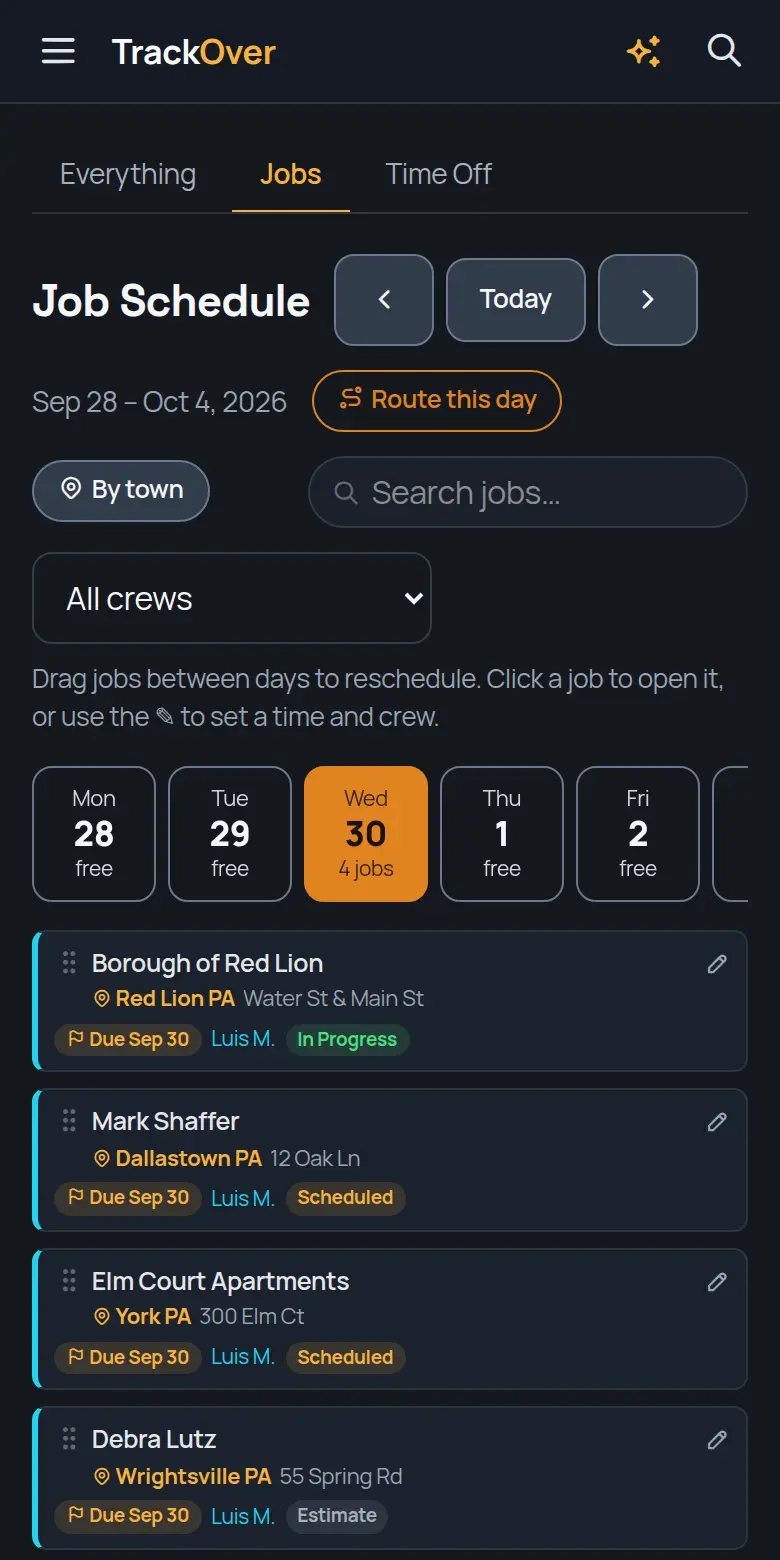
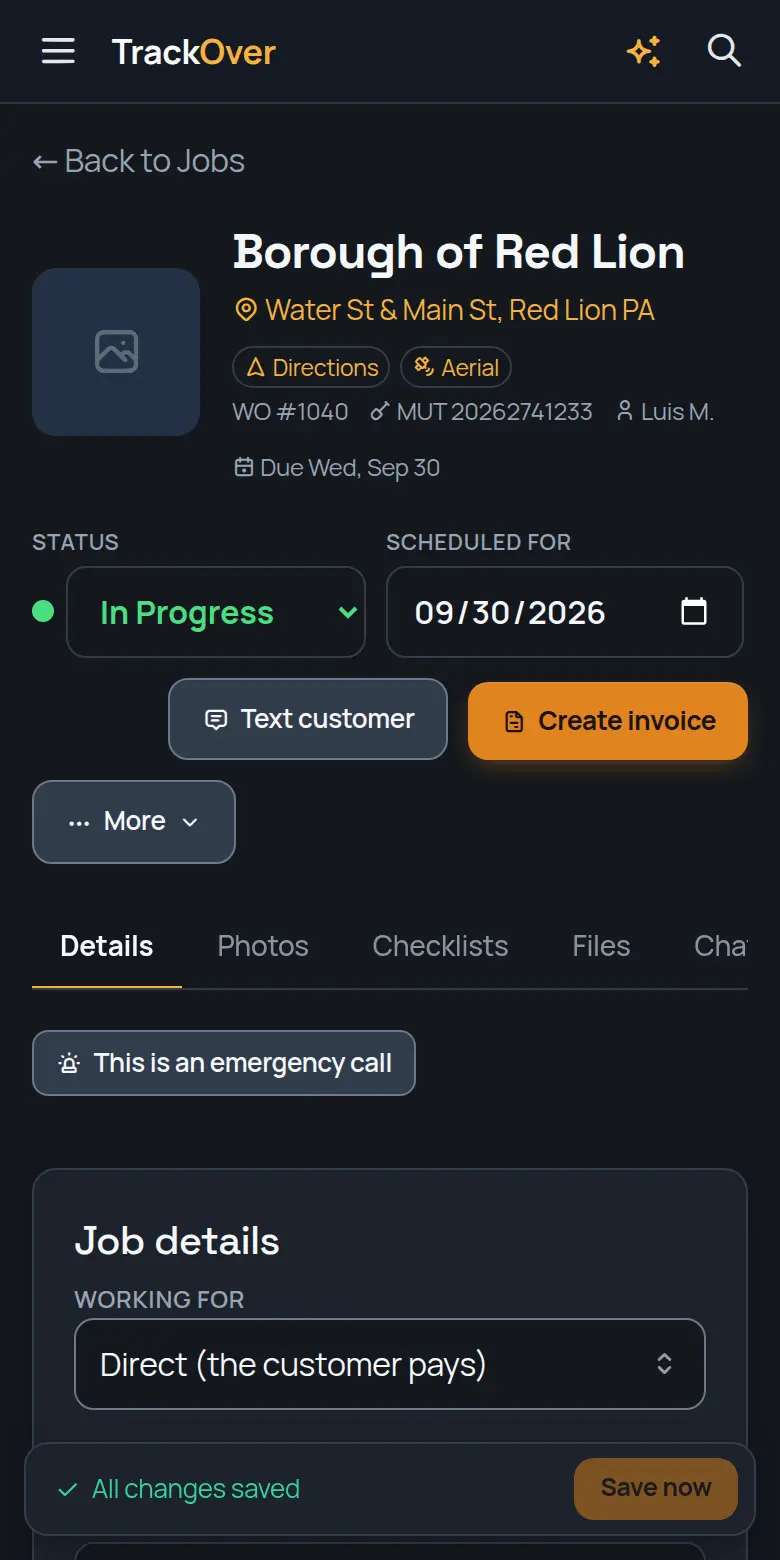
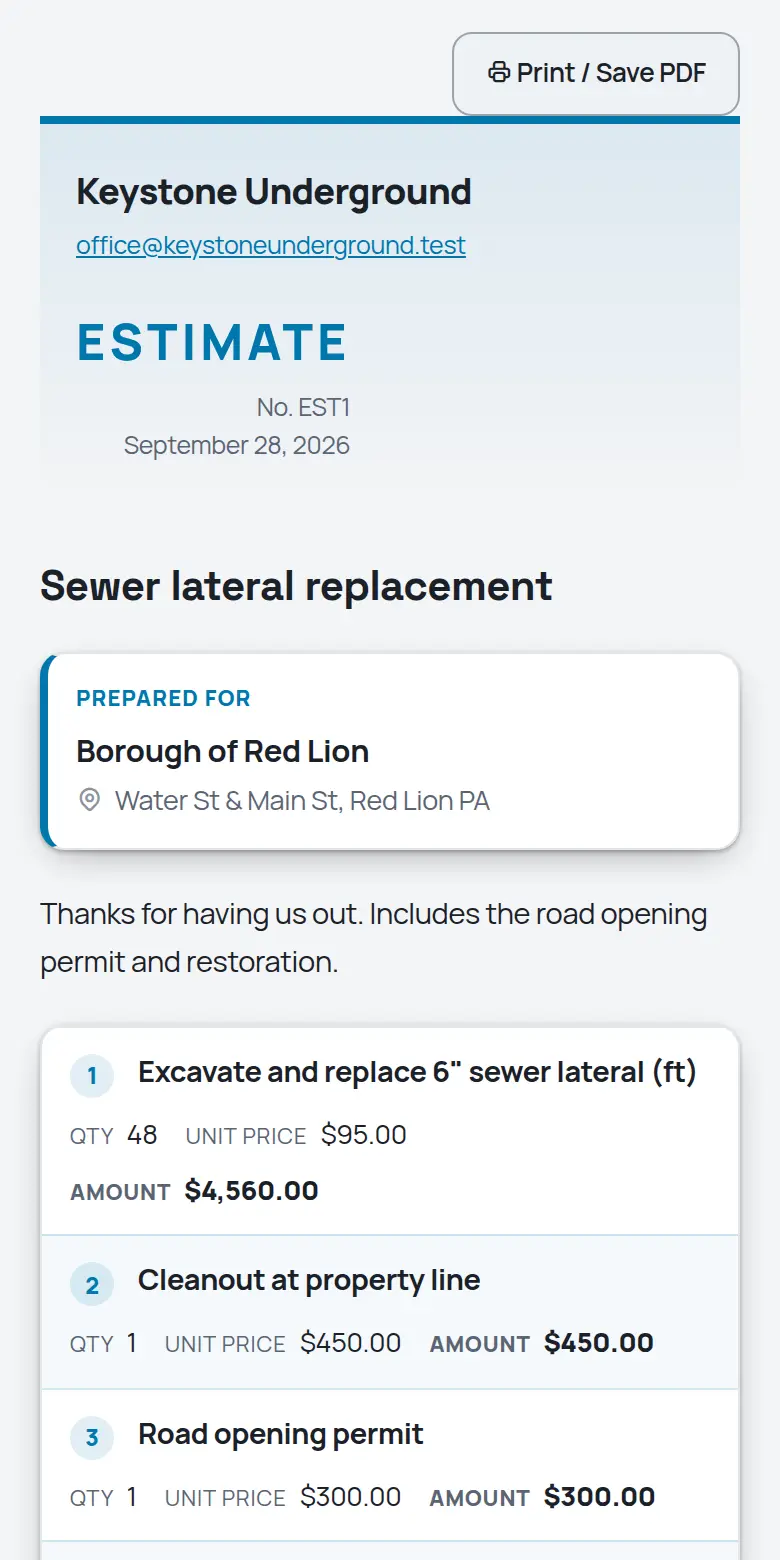
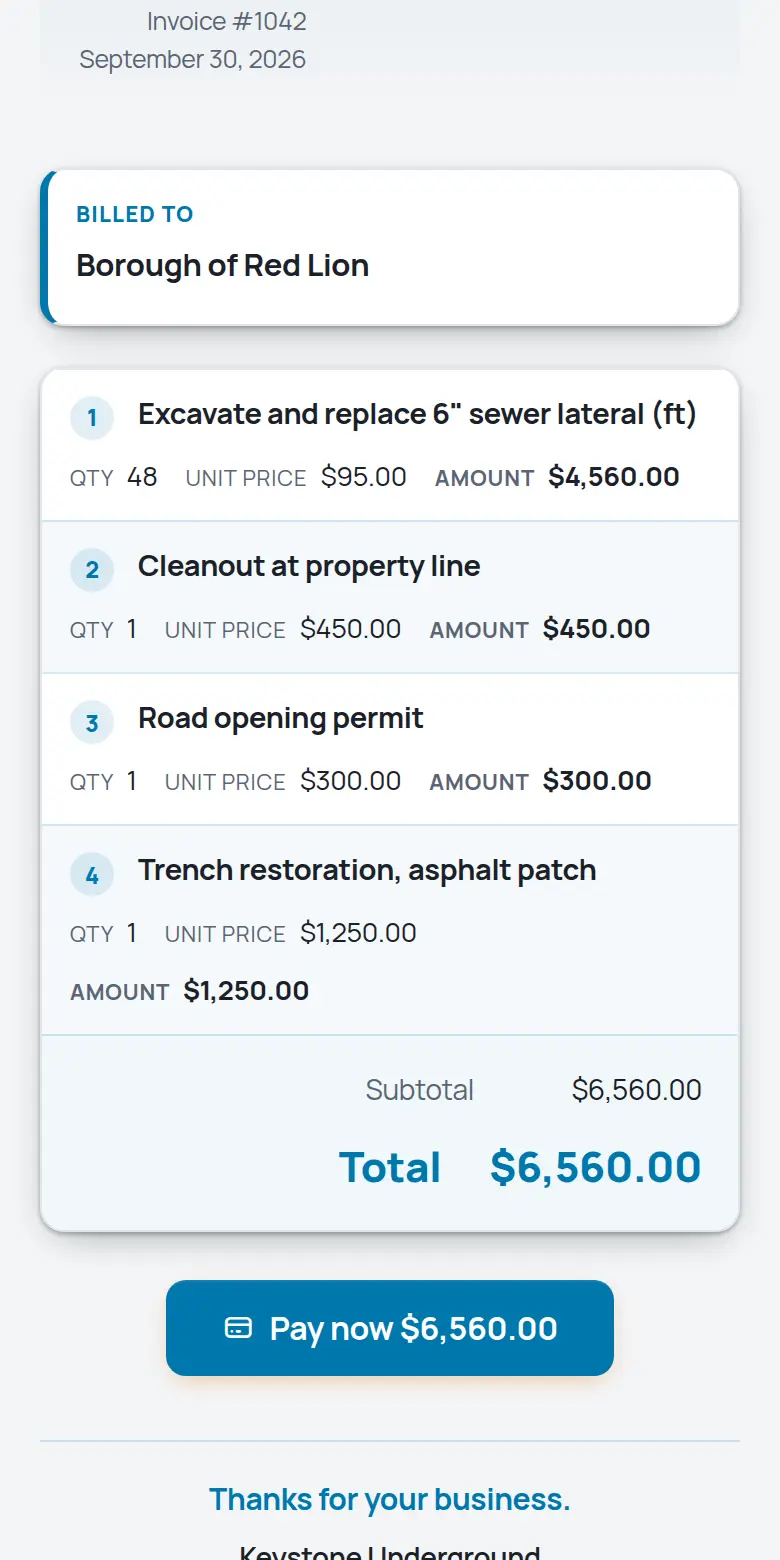
Real screens from the TrackOver app, with a sample company's jobs.
Line work moves fast: a burst main at 6 AM, a mark-out at noon, backfill by dark. TrackOver keeps the office and the crew on the same page the whole way. Free plan at $0 with no card, then $25, $45 or $69 per user per month with a 3-seat minimum and a 7-day trial.
If any of those sound like last week, keep reading.
What it does for your crew
The same platform in the office and on every phone in the field.
Inbound calls and web bookings turn into jobs with the address and problem attached. Nothing lives on a sticky note.
The One Call number, mark-out date, and expiration live on the job. The job page warns you before a ticket goes stale.
The exposed line, the repair, the compaction, the restored surface. Stamped and organized so the questions end.
See every open job pinned by status color. Route the day and dispatch the closest crew.
Turn the finished job into an invoice from your price book before the crew leaves the driveway. Text the customer the pay link.
Who was there, how long, and what they used. Hours and materials flow into job costing automatically.
From the first call to the last dollar
It becomes a job in seconds: address, contact, what they need.
Drag it onto a day and a crew. Their phones update instantly.
Stamped photos, hours, and notes land on the job as the work happens.
One tap turns the finished job into an invoice with a pay link.
Fair questions
Yes. Jobs can be created from a phone in seconds, and on-call scheduling keeps track of who answers the phone tonight.
The job profitability report puts labor hours, materials, and what you billed side by side, per job.
Card by link, or record check and cash. Overdue invoices chase themselves with polite reminders.
The field app is a few big buttons: my jobs, photos, clock in. Most crews are comfortable on day one.
Nothing is charged, because no card was asked for. If you don't pick a paid plan, the account moves to the free plan and your jobs and photos stay where they are.
Yes. Book a free 30-minute setup call and we set up your company and price list with you, and your first real estimate goes out before we hang up.
Try it on one job
Add a job, snap some photos, and see if your crew likes it. 7 days free, no card, and your data stays yours either way.
Start your 7-day free trialRather not do it alone? We'll set it up with you on a free 30-minute call.
Free calculators for sewer & water work:
Looking for sewer & water work or a crew? Free on the work board:
Dig into the tools: