Every waiting job gets a crew and a day in one tap
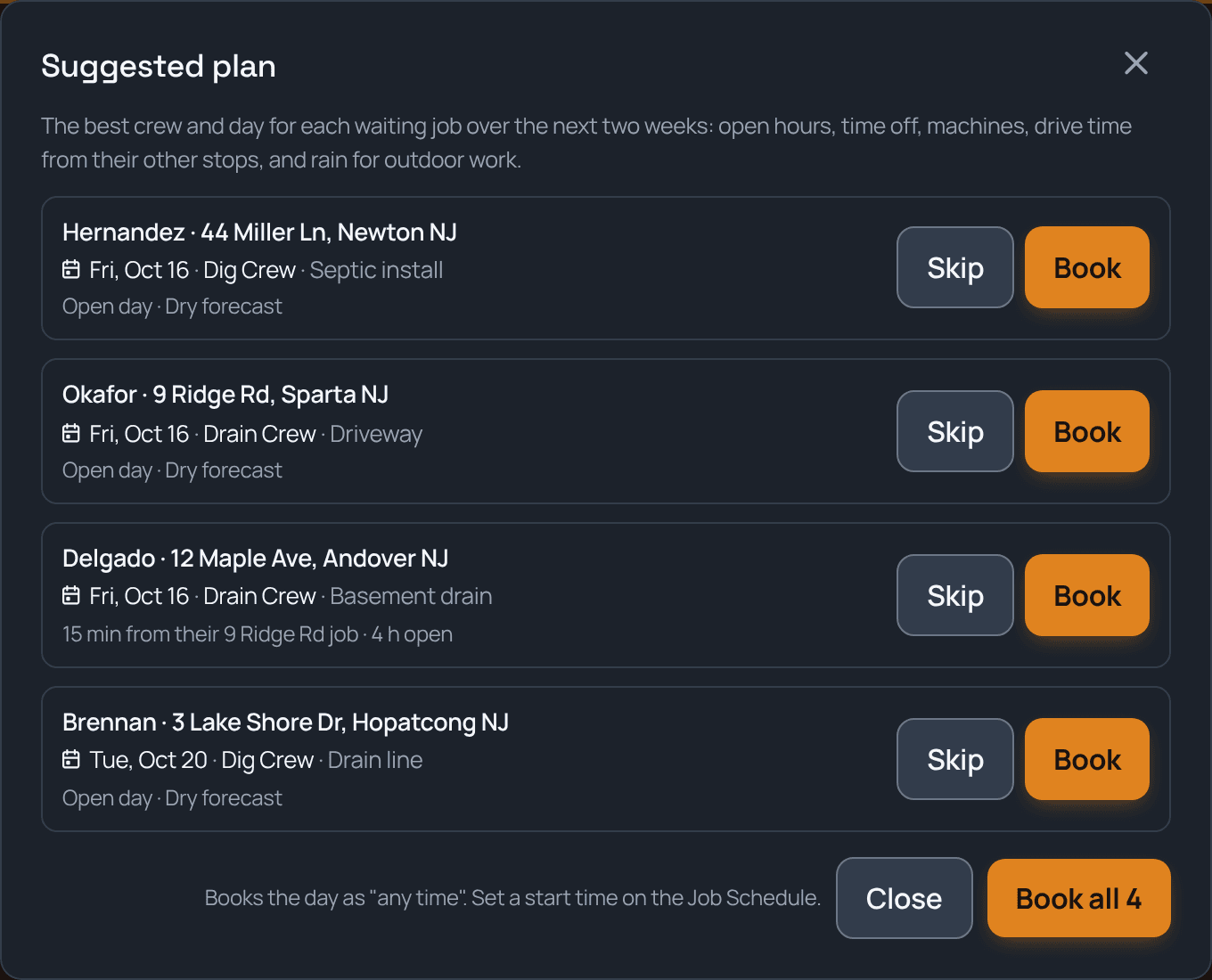
Open Dispatch, tap Suggest a plan, and TrackOver lines up the best crew and day for each job that's waiting to be scheduled over the next two weeks. It checks who has open hours, who's off, which machines are free, how far the drive is from their other stops, and whether it's going to rain. Each suggestion says why, and you book them one at a time or all at once.
Sound familiar?
How TrackOver handles it
Open hours first
A job only goes on a crew's day if it fits in their hours, counting what's already booked. Ten jobs never stack up on one crew's Tuesday.
Time off counts
A crew that's all off that day is skipped. A crew with someone out scores lower, and the plan says who.
Machines and skills
A machine that's down or already out on another job rules the day out. Crews that do that kind of work, or carry that machine, get picked first.
Less windshield time
Jobs go to the crew that's already working nearby that day, like "15 min from their 9 Ridge Rd job".
Rain aware
Outdoor work skips days with a high chance of rain and avoids iffy ones, using the forecast for each job's spot.
You decide
Nothing is booked until you tap Book or Book all. Skip any suggestion you don't like, or drag it yourself on the board.
Common questions
Does it book jobs on its own?
No. It suggests, you book. Tap Book on one job or Book all for the whole list, and each job lands on the board like you dragged it there.
What about due dates?
Sooner days score higher, and a day past a job's due date scores much lower, so urgent work goes first.
Which plan is it on?
Dispatch and Suggest a plan are part of the Elite plan.
It all works together
See how smart scheduling fits your trade: