Excavation software that runs the job from dig to invoice
Schedule crews and machines, keep 811 tickets current, stamp every site photo, and bill the job from your phone.
Start your 7-day free trialNo card needed. Or book a free setup call
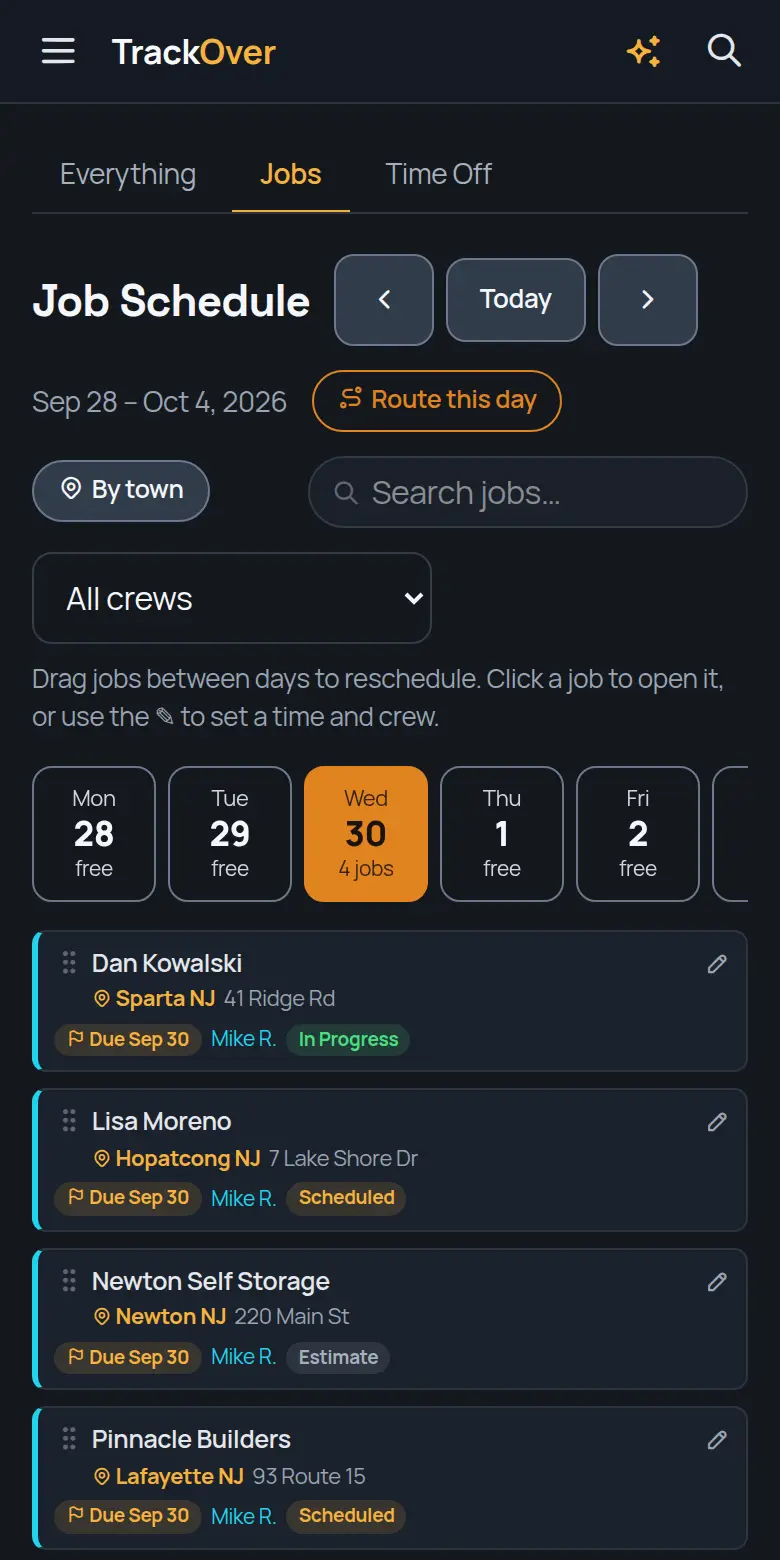
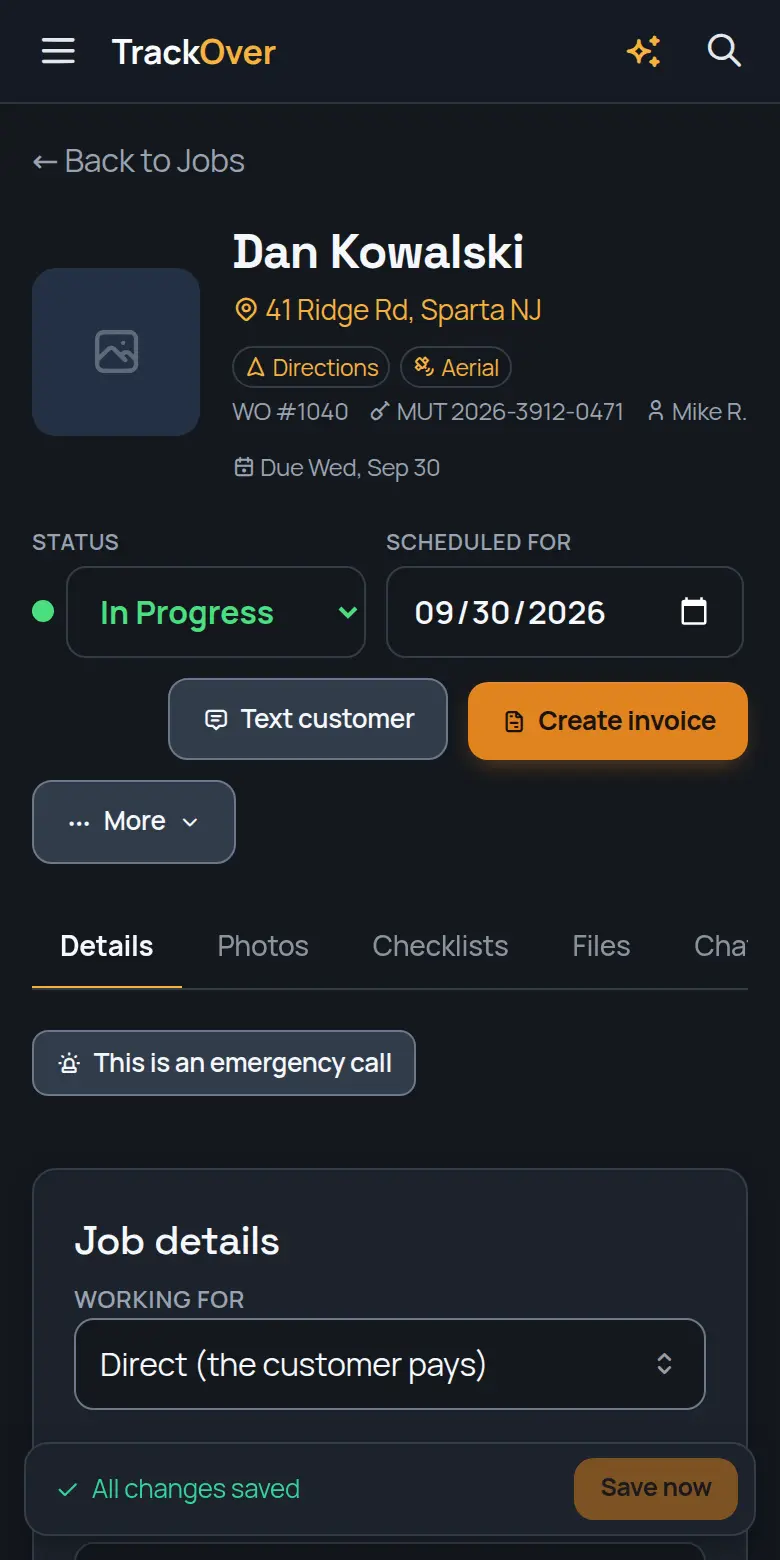
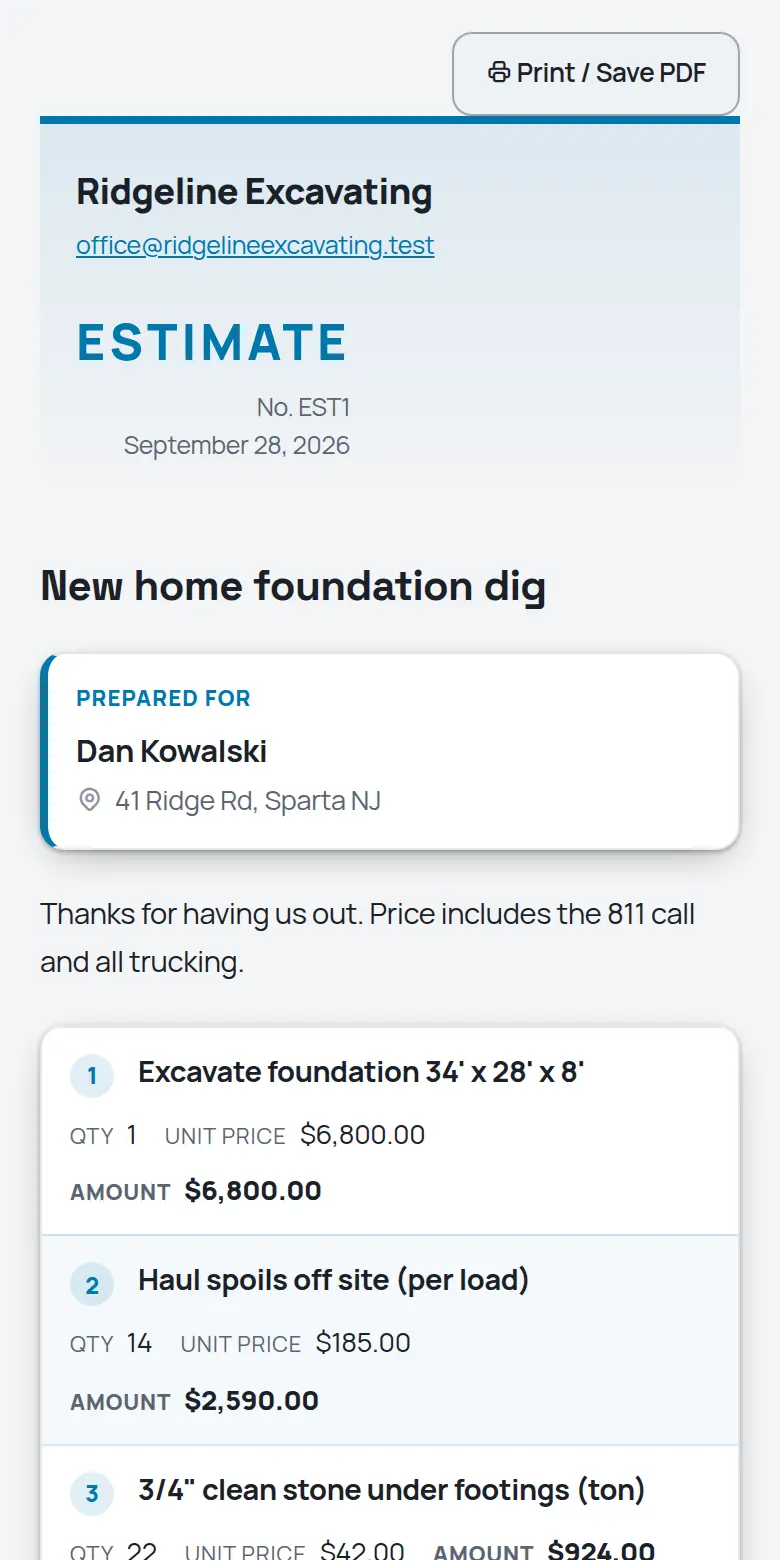
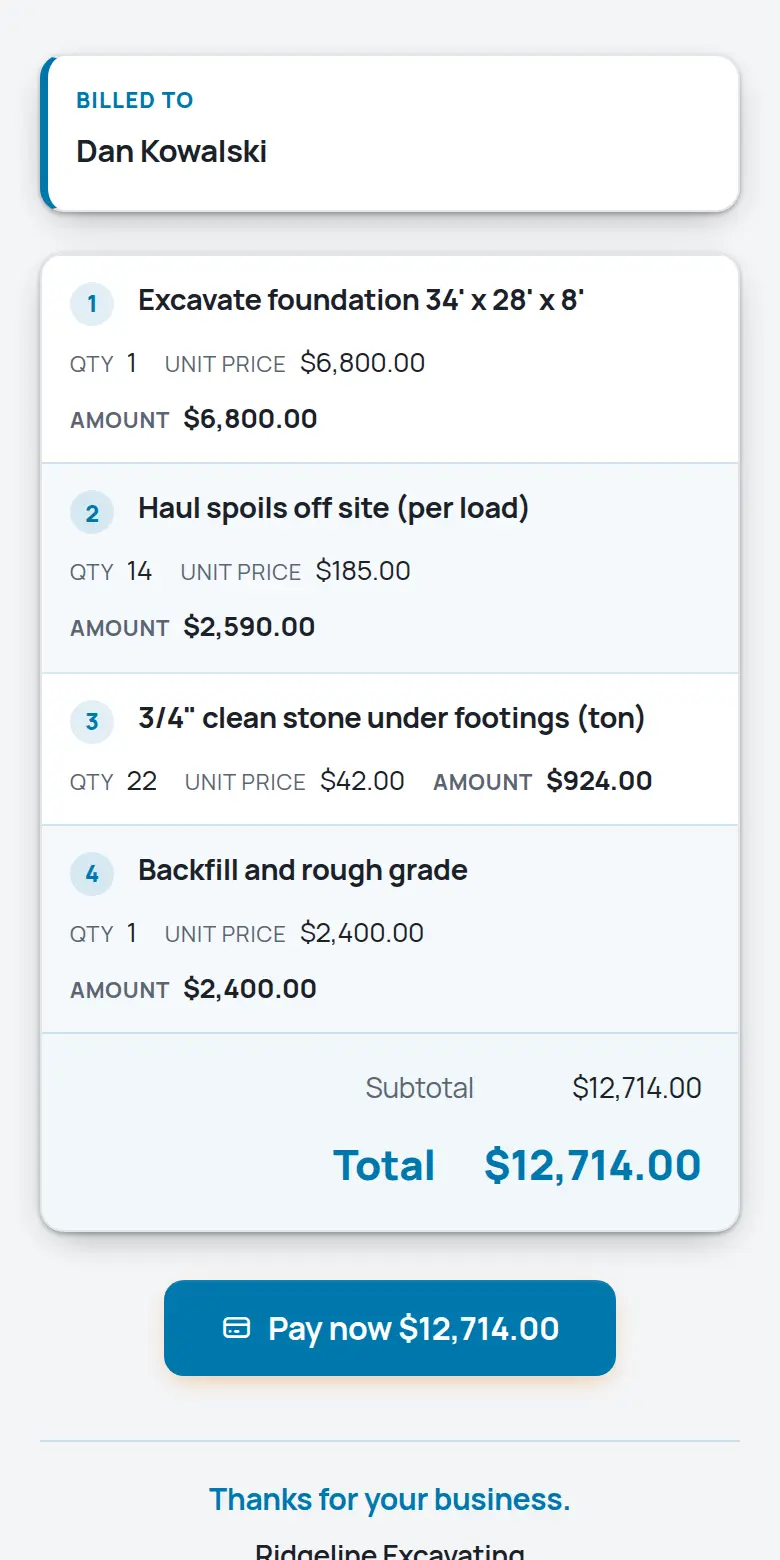
Real screens from the TrackOver app, with a sample company's jobs.
TrackOver was built inside a working excavation company. Jobs, crews, site photos, hours, and invoices in one place, so the office knows what the field knows. Free plan at $0 with no card, then $25, $45 or $69 per user per month with a 3-seat minimum and a 7-day trial.
If any of those sound like last week, keep reading.
What it does for your crew
The same platform in the office and on every phone in the field.
Every photo carries the date, GPS, and who took it. Before, during, and after, organized by job instead of buried in camera rolls.
Drag jobs between days and crews on one board. The crew sees their day on their phone before the trucks roll.
Hours, miles, and service intervals per machine, plus who has it and where. Service reminders before something breaks on a job.
One Call ticket numbers live on the job with the mark-out date and an expiration warning, so nobody digs on a dead ticket.
Build the estimate from your own price book, get it signed online, and turn the finished job into an invoice without retyping anything.
Crews clock in against the job they are on. Payroll and job costing come from the same hours, so you finally know which jobs make money.
Upload the plans, measure what is not labeled, balance the cut and fill, price it and send it. Your hit rate and markup on the bids you win and lose show up on one board.
Log the yards each day and see them next to what you bid, so you catch a job running long while there is still time to fix it.
From the first call to the last dollar
It becomes a job in seconds: address, contact, what they need.
Drag it onto a day and a crew. Their phones update instantly.
Stamped photos, hours, and notes land on the job as the work happens.
One tap turns the finished job into an invoice with a pay link.
Fair questions
Most companies are running in an afternoon. Add your jobs, invite the crew, and the phone app walks them through the rest. There is no IT project.
The phone app is built for job sites. Photos and time entries are captured on the phone and sync when coverage comes back.
Yes, while they are clocked in. Location is only shared on the clock, and crews can see exactly what the office sees.
Plans are per person per month with a free tier to start. No contracts, and you can change plans whenever the season changes.
Nothing is charged, because no card was asked for. If you don't pick a paid plan, the account moves to the free plan and your jobs and photos stay where they are.
Yes. Book a free 30-minute setup call and we set up your company and price list with you, and your first real estimate goes out before we hang up.
Try it on one job
Add a job, snap some photos, and see if your crew likes it. 7 days free, no card, and your data stays yours either way.
Start your 7-day free trialRather not do it alone? We'll set it up with you on a free 30-minute call.
Free calculators for excavation work:
Looking for excavation work or a crew? Free on the work board:
Dig into the tools: