Fiber map basics
UtilityOps is the fiber, electric, gas and water side of TrackOver. The map shows each project's route, and what your crew built, against the plan.
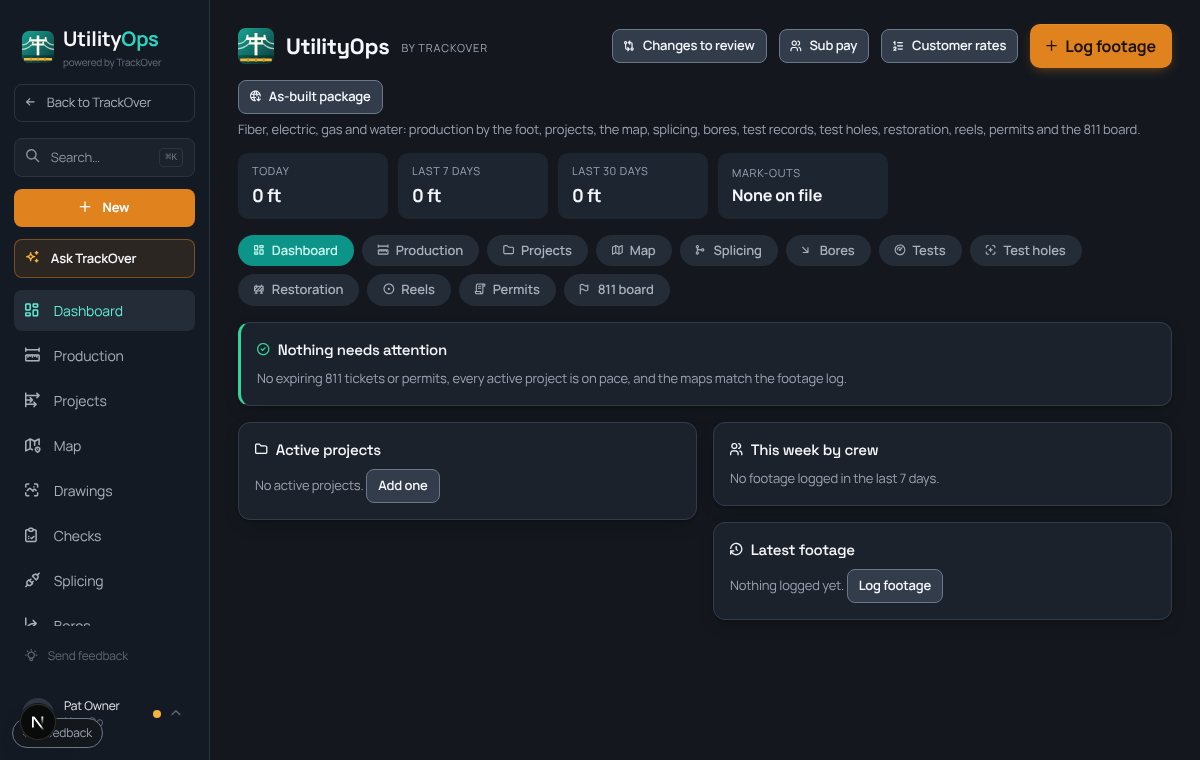
1. Turn UtilityOps on
If you do not see it, press Add UtilityOps to my account on the UtilityOps page.
2. Add a project
On Projects, add the job with its contracted footage. Link the matching job so time and photos line up.
3. Log footage
Press Log footage for the day, by crew and method. The dashboard shows today, the last 7 days and the last 30 days.
4. Open the Map
The Map tab shows each route. Your crew marks what they built from the truck, and the map is checked against the footage log.
5. Keep 811 current
The 811 board lists mark-outs and flags tickets that are about to expire.
Pro tip: The dashboard card at the top says Nothing needs attention when tickets, permits, pace, idle projects and the footage check are all fine.